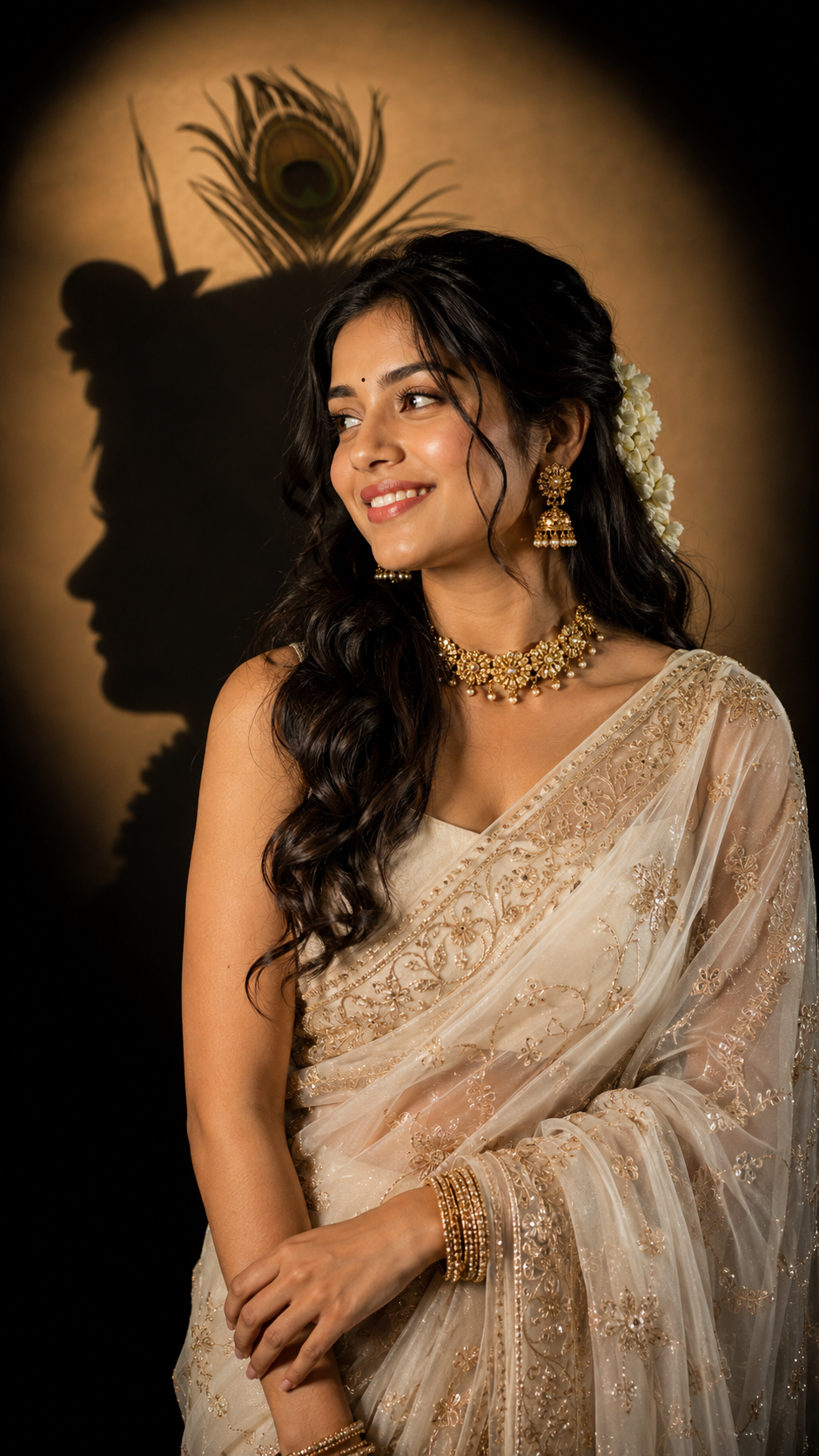
8K DSLR cinematic portrait
8K DSLR cinematic portrait
How to Use This AI Prompt
Copy the prompt, paste it into your preferred AI tool, and adjust the details when needed.
Copy the Prompt
Use the Copy Prompt button to copy the complete prompt.
Open Your AI Tool
Open the AI platform you want to use for your project.
Paste the Prompt
Paste the prompt into your preferred AI tool and run it.
Customize It
Change the subject, style, setting or other details.
Customize the Prompt for Your Idea
Personalize the prompt by changing only the details that are relevant to your desired result.
Subject
Change the main person, character, object or subject.
Style
Adjust the visual, artistic or creative style.
Lighting
Adjust brightness, shadows, highlights and atmosphere.
Background
Replace the environment or setting to fit your idea.
Tips for Better Results
Simple ways to make your prompt easier to understand and customize.
Keep important details specific
Clearly describe the main subject, setting and visual direction.
Change one detail at a time
Modify individual elements such as style, lighting or background when comparing different versions.
Add details that matter
Include useful information about appearance, composition, atmosphere and other important elements.
Experiment with variations
Try different versions of the same prompt to explore alternative creative directions.
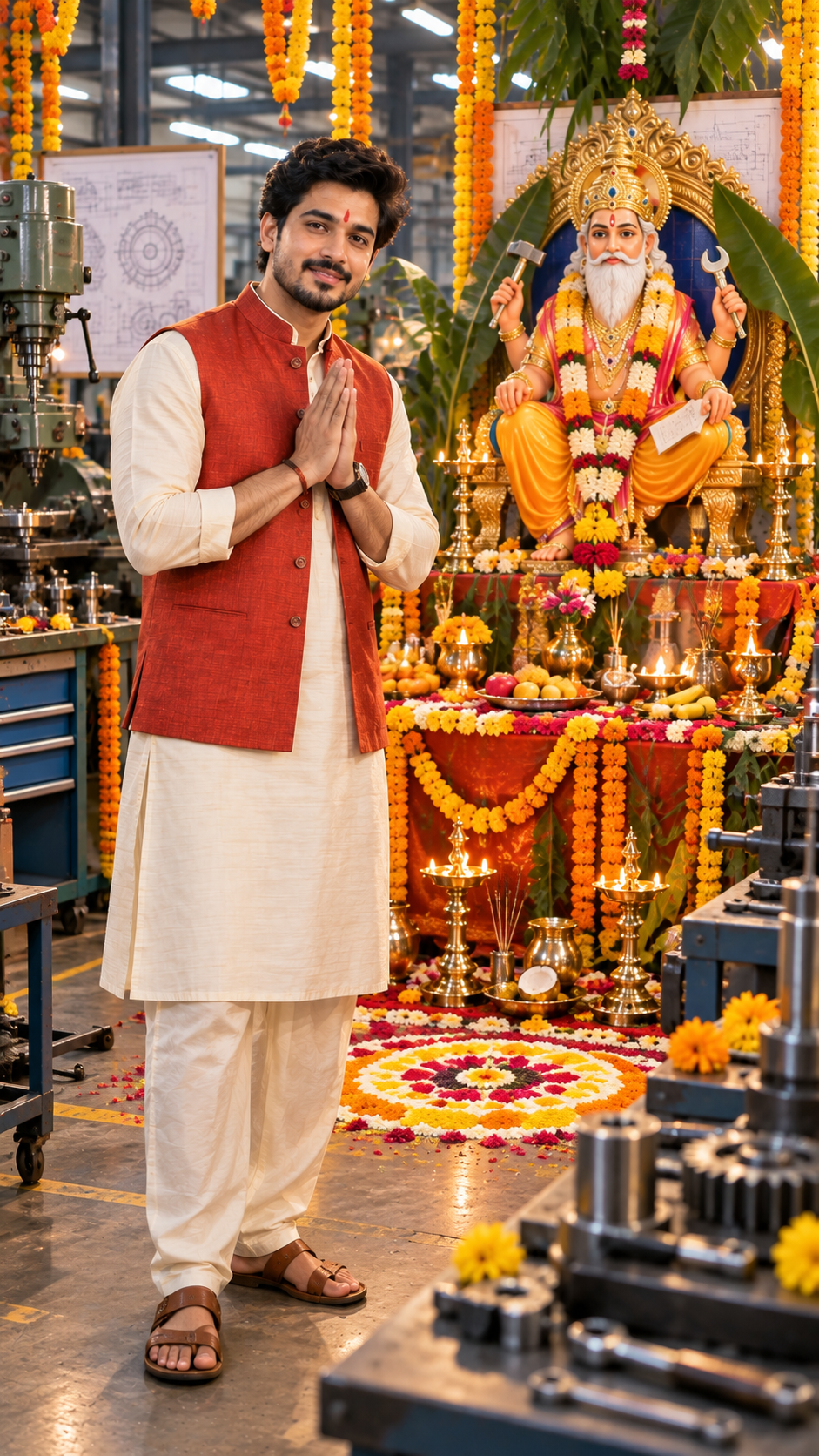
Vishwakarma Puja Man
Ultra-realistic cinematic portrait of a handsome young Indian man celebrating Vishwakarma Puja inside a beautifully decorated mode...
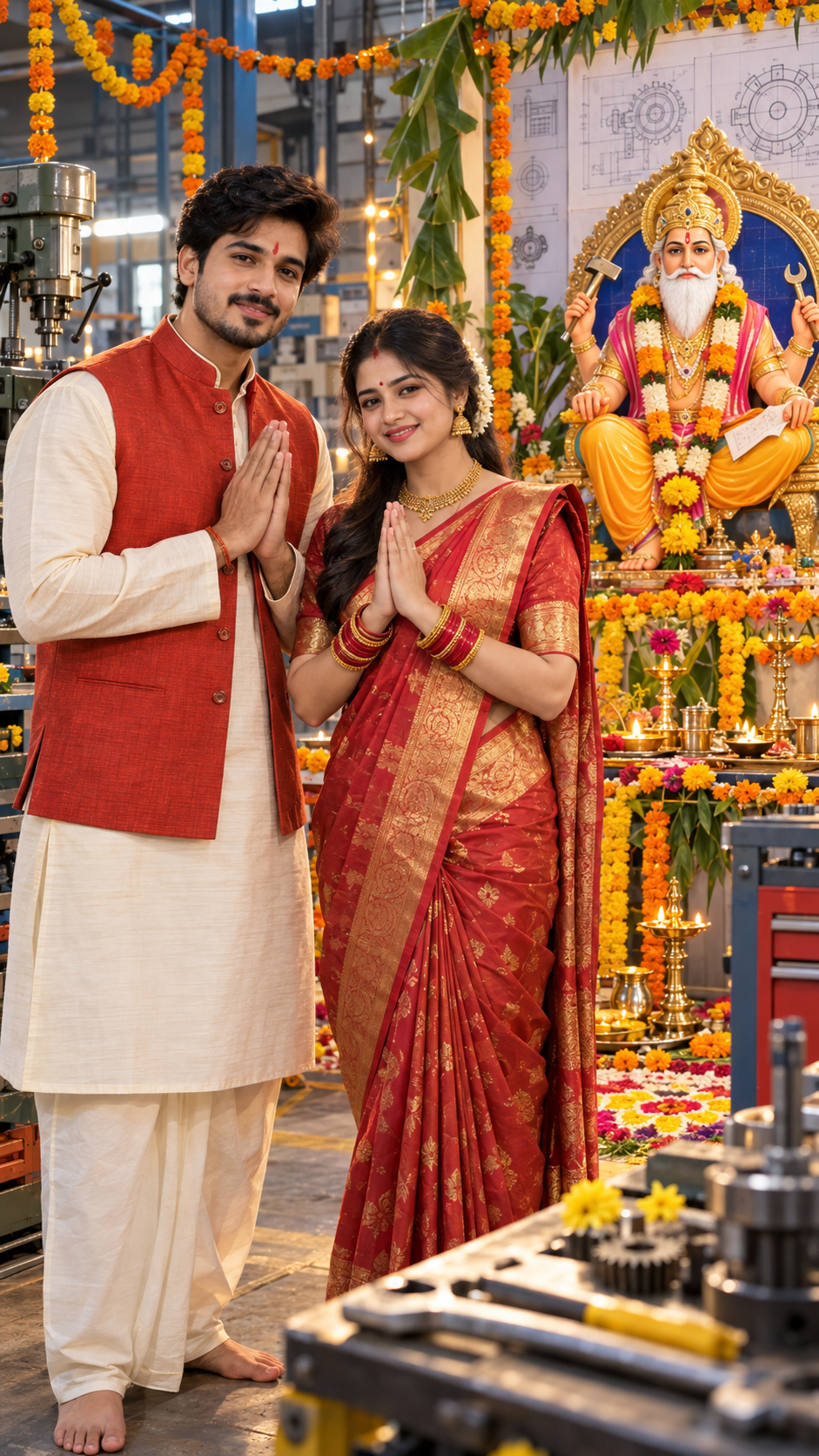
Vishwakarma Puja in the Workshop
Ultra-realistic cinematic Vishwakarma Puja couple portrait of a beautiful young Indian couple celebrating Vishwakarma Puja togethe...
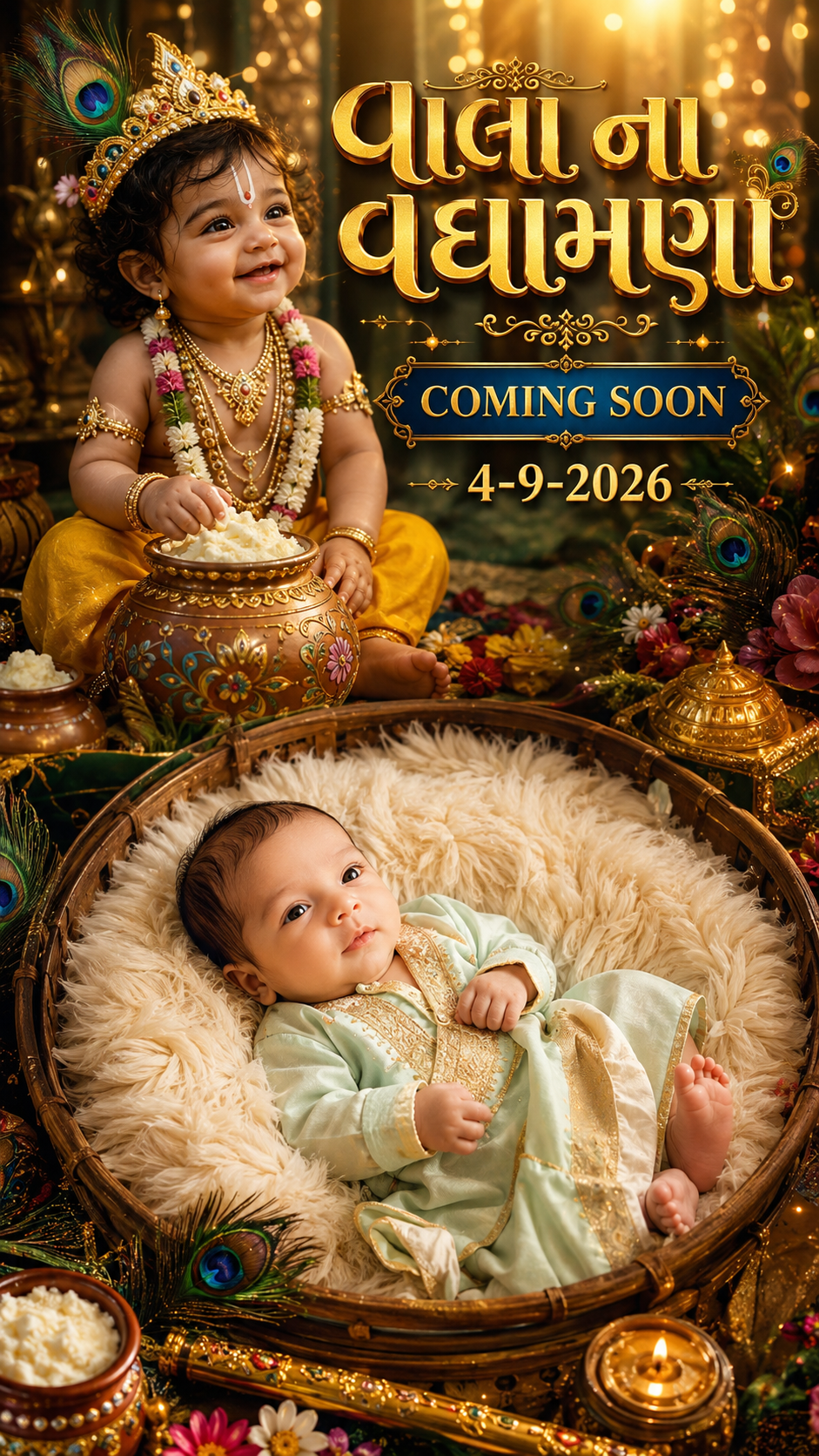
Krishna’s Golden Celebration Poster
Create a premium 9:16 vertical Janmashtami announcement poster in ultra-realistic, cinematic 8K quality. Top Section: A beautif...
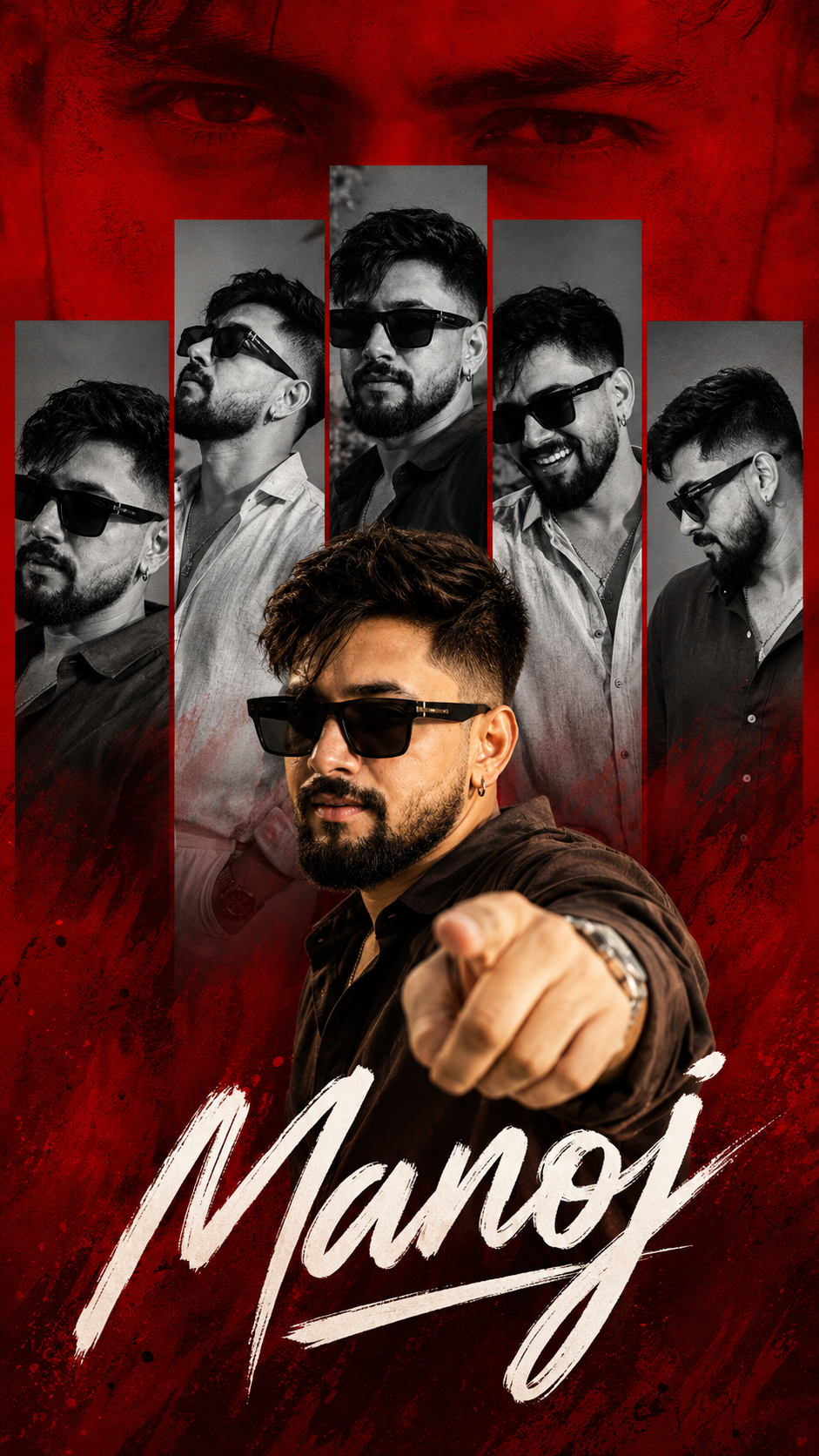
Manoj: Red Noir Poster Collage
Create a dramatic tribute poster with a bold red monochrome background. ” The background should feature a faint, large close-up of...
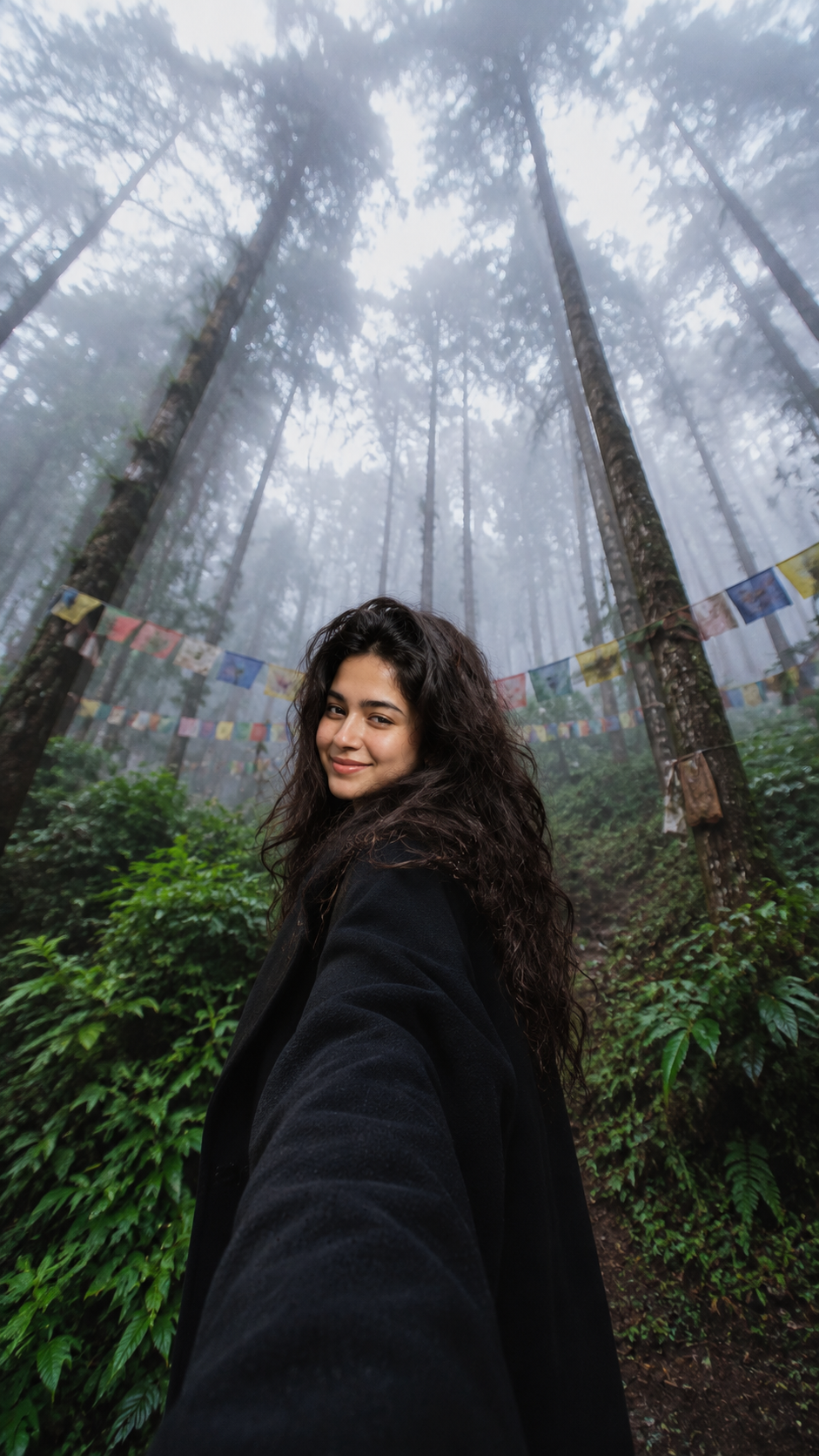
woman standing in the middle of a mystical foggy pine
Ultra-realistic DSLR ultra-wide selfie of a beautiful young South Asian woman standing in the middle of a mystical foggy pine fore...
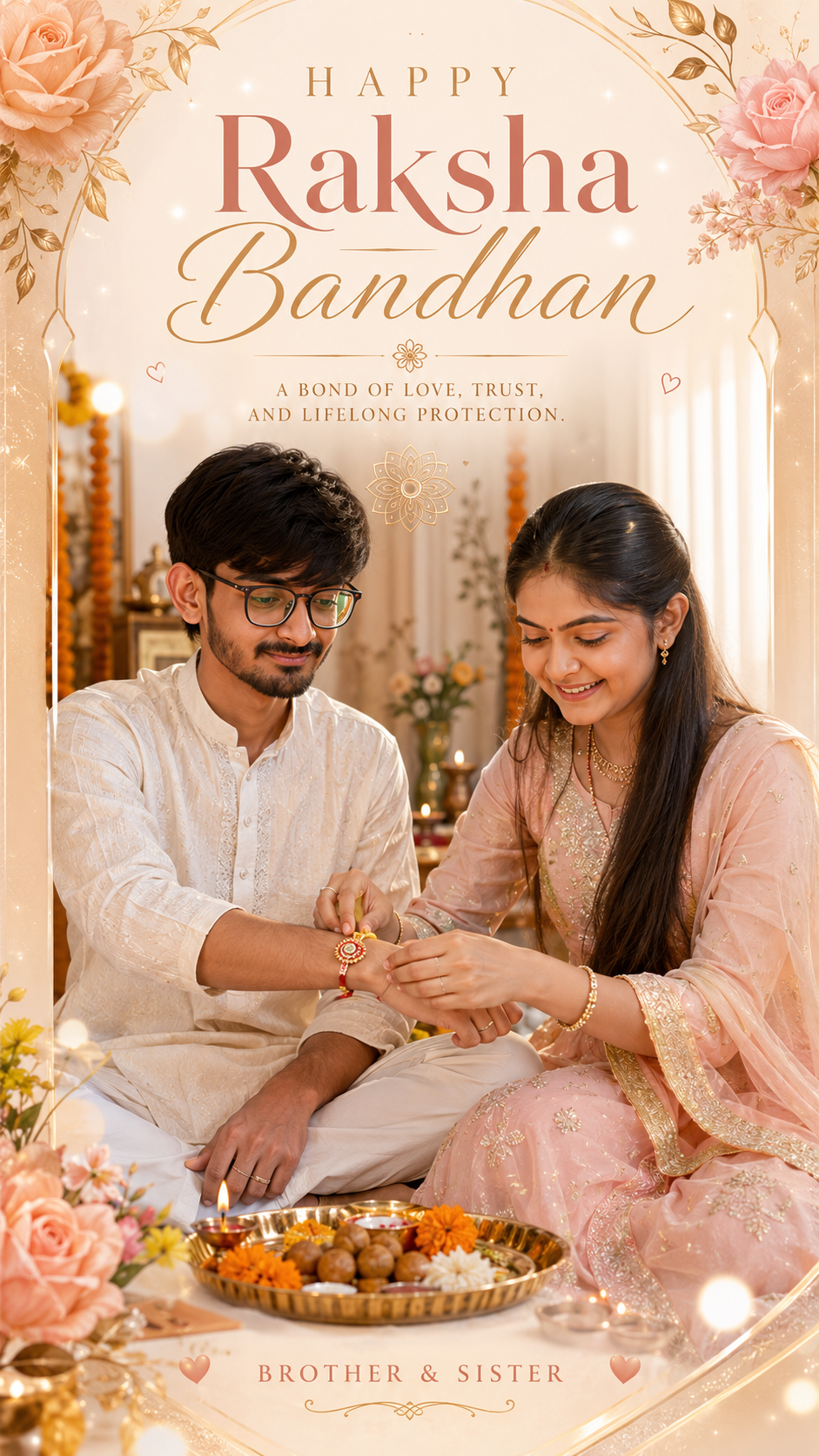
Raksha Bandhan luxurious Editorial
Create a luxurious Instagram Story poster for Raksha Bandhan featuring a beautiful Indian sister tying a traditional rakhi on her...