Home Prompts Trending Prompt Artistic Double Exposure Romantic Photograph
Artistic Double Exposure Romantic Photograph
Trending Prompt

Artistic Double Exposure Romantic Photograph

Prompt
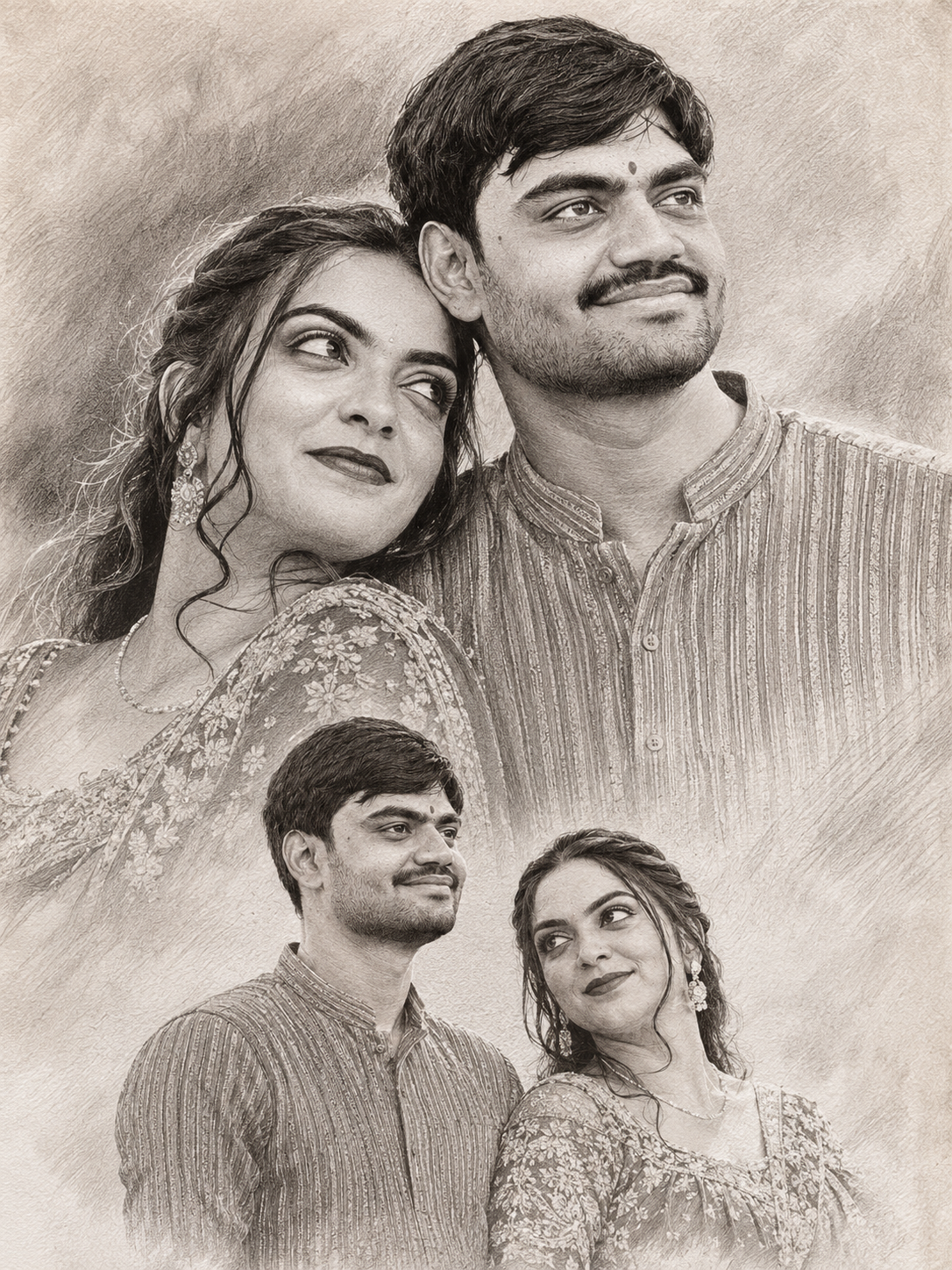
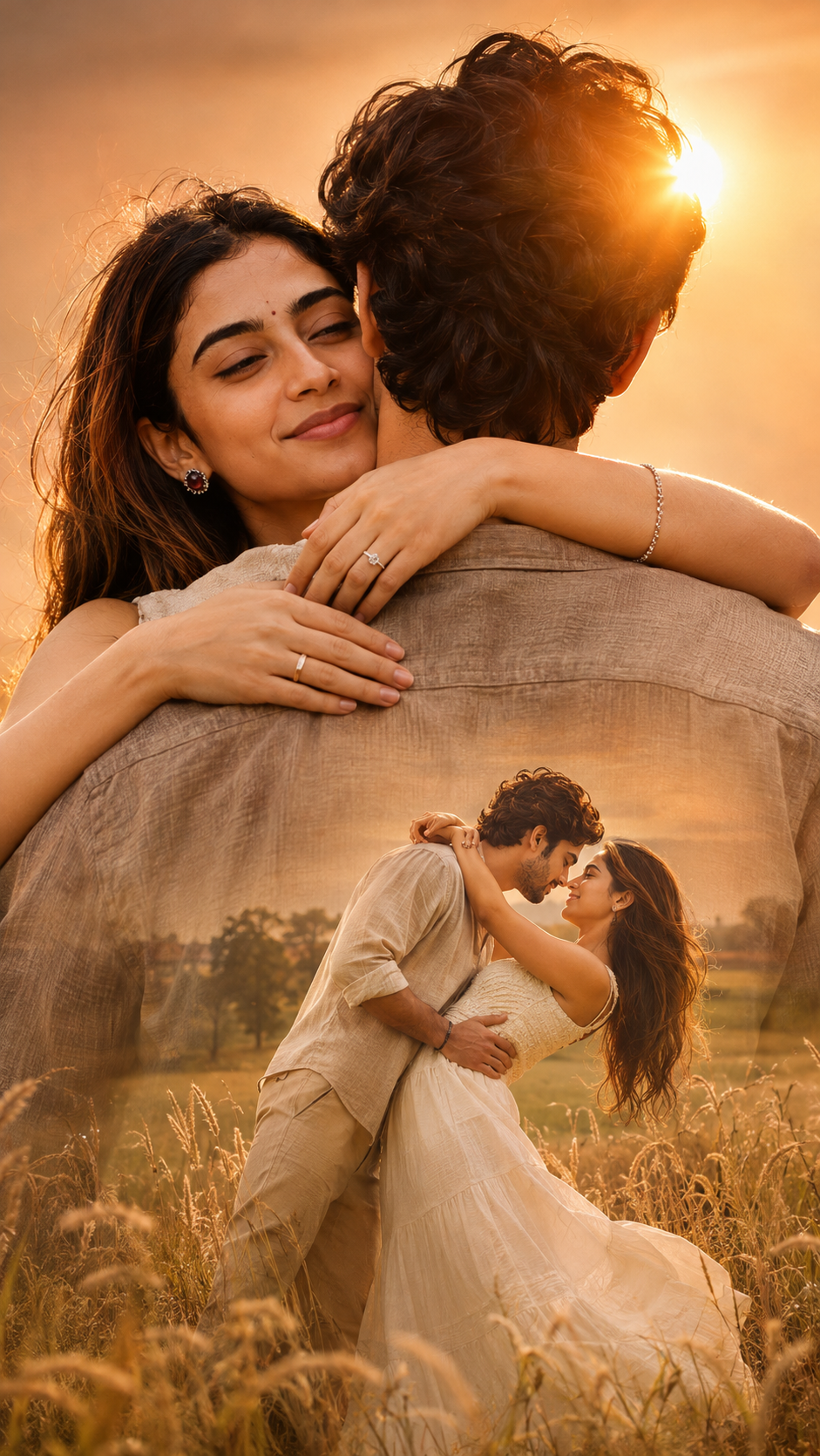
Create an ultra-realistic, breathtaking romantic couple photograph using the uploaded couple photo as the ONLY identity reference for both individuals. **STRICT IDENTITY PRESERVATION:** Preserve both people's exact recognizable facial identities, facial structures, skin tones, hair, and natural features. Do not change, blend, swap, or beautify their faces. **MAIN COMPOSITION – DOUBLE EXPOSURE EFFECT:** Create a beautiful artistic double-exposure romantic photograph. In the main background layer, show a close-up rear-view portrait of the man wearing a simple beige or earthy-brown shirt. The woman is embracing him from the front, with both her arms gently wrapped around his shoulders. Her hands rest naturally across the back of his shoulders, with elegant fingers and delicate matching couple rings clearly visible. Focus on the natural hand placement and realistic fabric texture. The man's head and upper back should dominate the composition, with his face not visible from this rear angle. **SECONDARY OVERLAY – ROMANTIC LOVE SCENE:** Inside the lower-middle portion of the man's back and shirt, seamlessly blend a smaller full-body romantic photograph of the same couple standing in a golden wheat field. The man gently dips the woman backward while holding her waist. They look lovingly into each other's eyes, almost touching noses, with a joyful romantic expression. The woman wears a flowing elegant white summer dress, and the man wears a light beige casual shirt with neutral trousers. Her long hair flows naturally in the breeze. Surround them with tall golden grass and a dreamy countryside landscape. **DOUBLE-EXPOSURE EFFECT:** - Large rear-view couple portrait as the dominant image. - Smaller romantic full-body scene blended inside the man's back. - Beautiful transparent layered photographic blending. - Soft feathered transitions between both images. - Natural overlapping shadows and realistic depth. - No visible hard edges or collage borders. - Professional artistic double-exposure photography. **LIGHTING & FILTER:** Warm golden-hour sunset lighting with sunlight coming from behind the subjects. Beautiful golden sun flare near the man's hair, soft glowing highlights, warm amber reflections, creamy background bokeh, gentle shadows, and dreamy atmospheric haze. Apply a premium warm cinematic Lightroom-style color grade: - Golden amber and honey highlights. - Warm brown and caramel midtones. - Soft creamy whites. - Muted earthy greens. - Slightly faded cinematic shadows. - Subtle film grain. - Soft contrast and natural skin tones. - Romantic vintage film photography aesthetic. **CAMERA & QUALITY:** Professional wedding photography, full-frame DSLR, 85mm portrait lens, f/2.0 aperture, shallow depth of field, natural bokeh, realistic skin texture, detailed hands and rings, premium fine-art wedding photography, ultra-realistic 8K quality. **COMPOSITION:** Vertical 9:16 portrait, centered subjects, elegant negative space, balanced double-exposure layering. **NEGATIVE PROMPT:** Cartoon, illustration, CGI, artificial faces, altered identity, face swapping, distorted fingers, extra hands, missing fingers, duplicated bodies, harsh outlines, excessive glow, oversaturated colors, plastic skin, blurry subjects, text, watermark, logos.
24 Views 8 Copies
About This Prompt

Artistic Double Exposure Romantic Photograph

Create an ultra-realistic, breathtaking romantic couple photograph using the uploaded couple photo as the ONLY identity reference for both individuals....
How It Works

How to Use This AI Prompt

Copy the prompt, paste it into your preferred AI tool, and adjust the details when needed.

01

Copy the Prompt

Use the Copy Prompt button to copy the complete prompt.

02

Open Your AI Tool

Open the AI platform you want to use for your project.

03

Paste the Prompt

Paste the prompt into your preferred AI tool and run it.

04

Customize It

Change the subject, style, setting or other details.

Customize

Customize the Prompt for Your Idea

Personalize the prompt by changing only the details that are relevant to your desired result.

Subject

Change the main person, character, object or subject.

Style

Adjust the visual, artistic or creative style.

Lighting

Adjust brightness, shadows, highlights and atmosphere.

Background

Replace the environment or setting to fit your idea.

Prompt Tips

Tips for Better Results

Simple ways to make your prompt easier to understand and customize.

Keep important details specific

Clearly describe the main subject, setting and visual direction.

Change one detail at a time

Modify individual elements such as style, lighting or background when comparing different versions.

Add details that matter

Include useful information about appearance, composition, atmosphere and other important elements.

Experiment with variations

Try different versions of the same prompt to explore alternative creative directions.