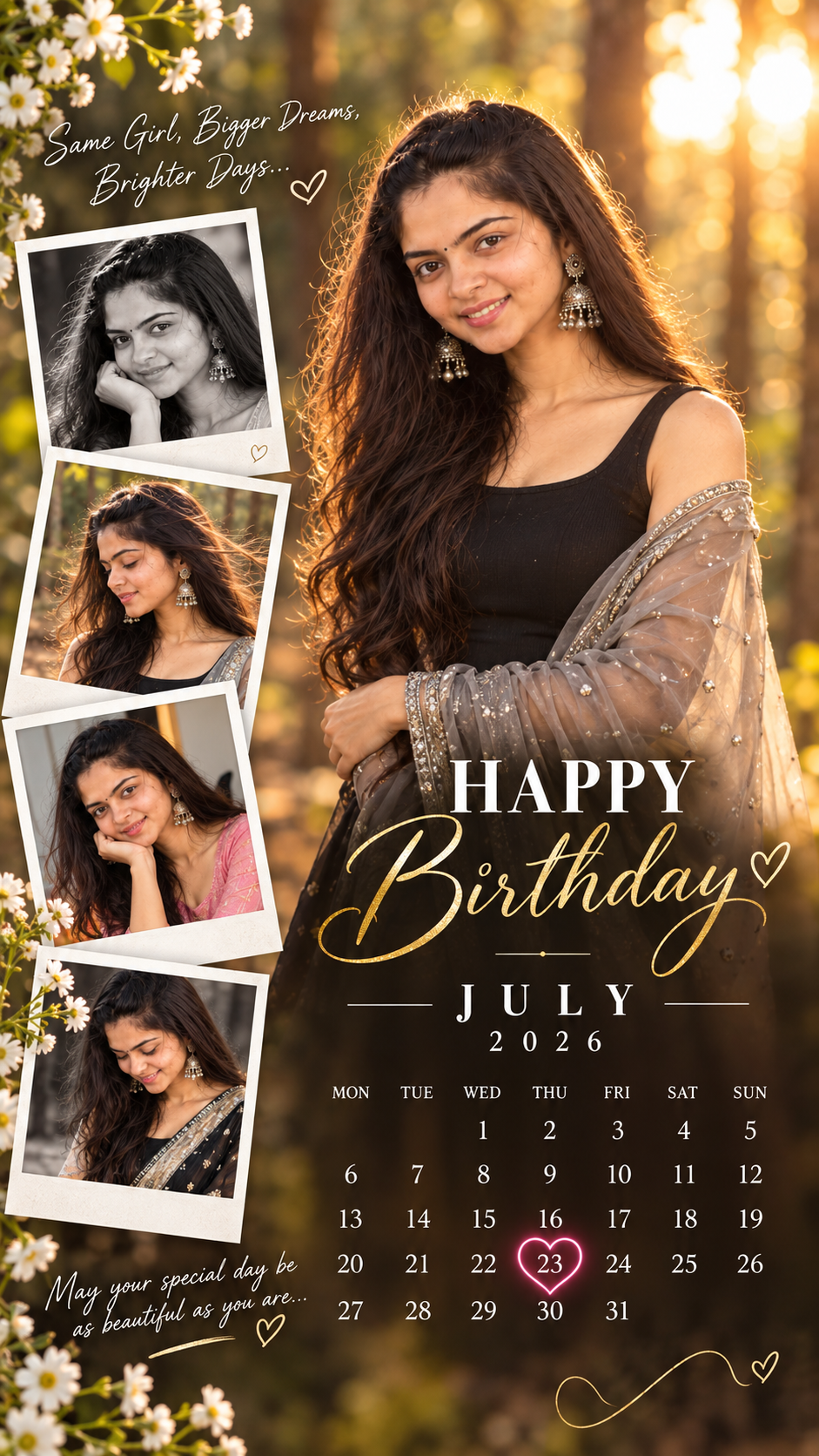
Birthday Greeting Poster
Birthday Greeting Poster
Background: soft golden-hour forest bokeh with warm sunlight flare on the right side,
small w...
How to Use This AI Prompt
Copy the prompt, paste it into your preferred AI tool, and adjust the details when needed.
Copy the Prompt
Use the Copy Prompt button to copy the complete prompt.
Open Your AI Tool
Open the AI platform you want to use for your project.
Paste the Prompt
Paste the prompt into your preferred AI tool and run it.
Customize It
Change the subject, style, setting or other details.
Customize the Prompt for Your Idea
Personalize the prompt by changing only the details that are relevant to your desired result.
Subject
Change the main person, character, object or subject.
Style
Adjust the visual, artistic or creative style.
Lighting
Adjust brightness, shadows, highlights and atmosphere.
Background
Replace the environment or setting to fit your idea.
Tips for Better Results
Simple ways to make your prompt easier to understand and customize.
Keep important details specific
Clearly describe the main subject, setting and visual direction.
Change one detail at a time
Modify individual elements such as style, lighting or background when comparing different versions.
Add details that matter
Include useful information about appearance, composition, atmosphere and other important elements.
Experiment with variations
Try different versions of the same prompt to explore alternative creative directions.

Vintage Birthday Portrait Collage
Graphic design scrapbook birthday poster featuring user in dual layers. The foreground shows a vibrant color cutout portrait of he...

Elegant Red and Gold Birthday Celebration
Use the uploaded reference image for exact face matching. Preserve the subject’s identity with zero deviation, including facial st...
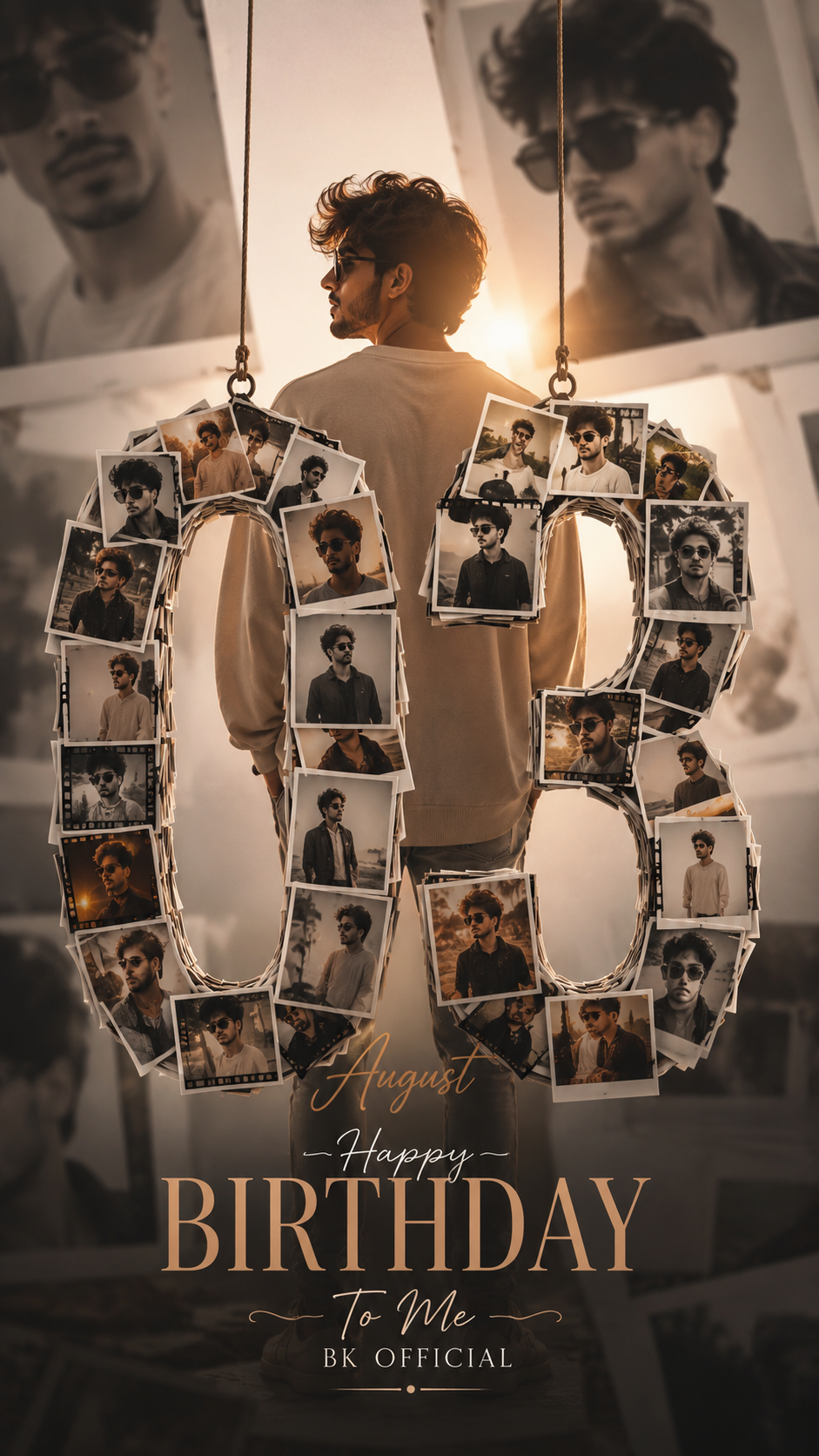
Warm Birthday Photo Collage
Viral-style ultra-realistic birthday poster with giant number "03 August" created from layered hanging polaroid photographs and fi...
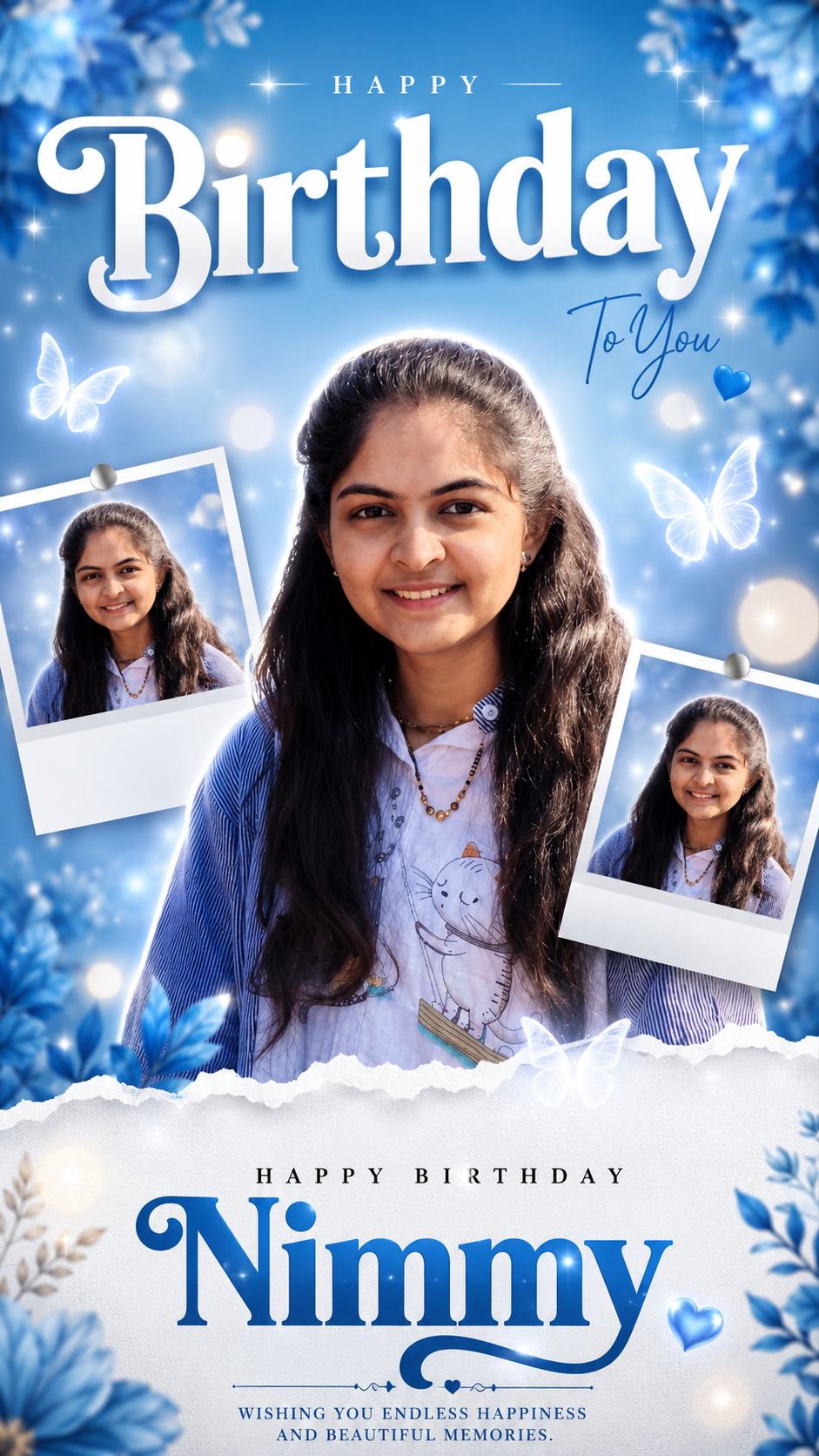
Birthday Image 2
Create a modern, aesthetic birthday poster with a soft blue gradient background. Place a large cutout portrait of the girl in the...
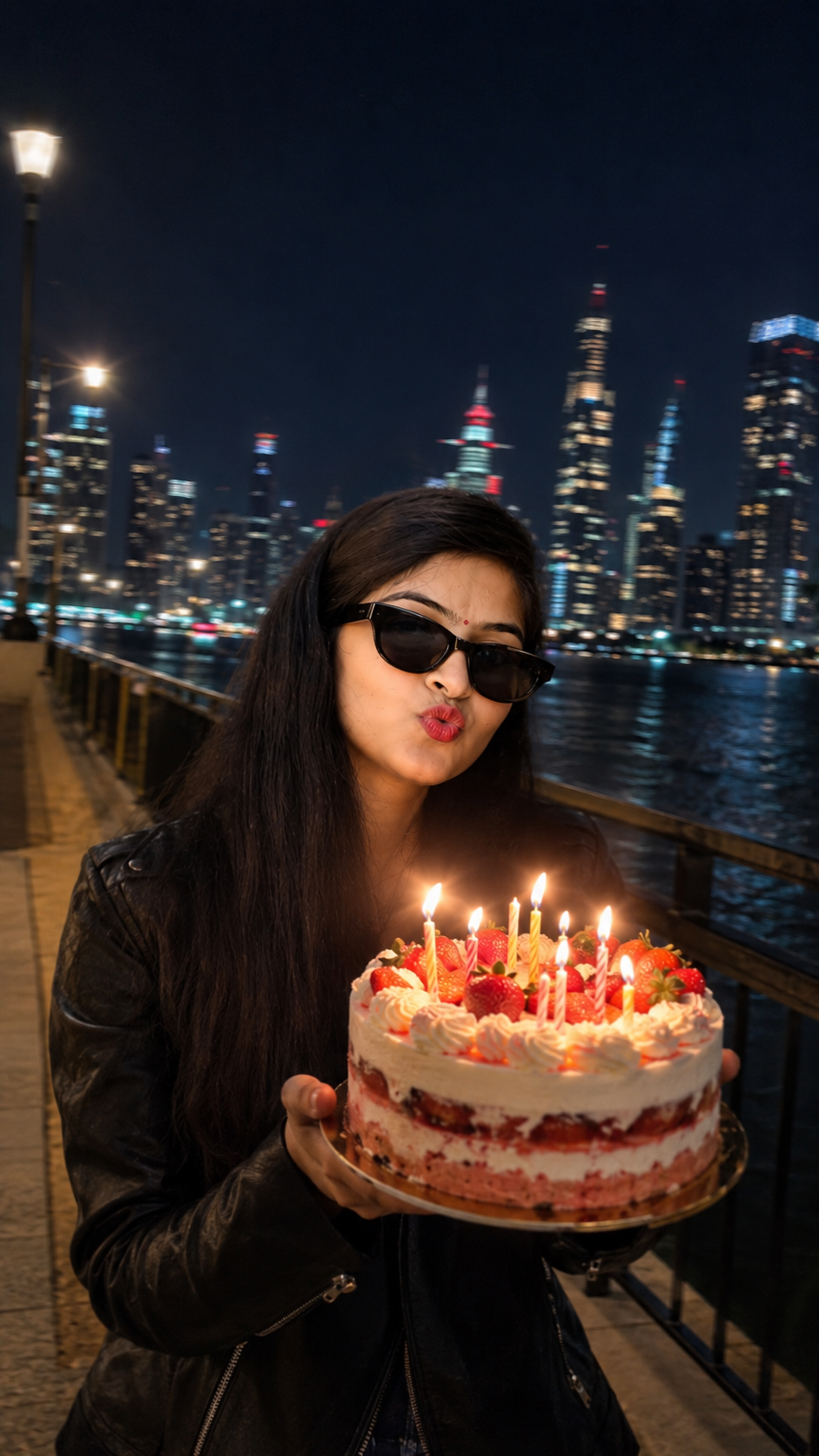
Birthday Image 1
Use the uploaded image as the absolute base face image. A medium close-up shot captures a young wo woman, with beauty hair, stan...
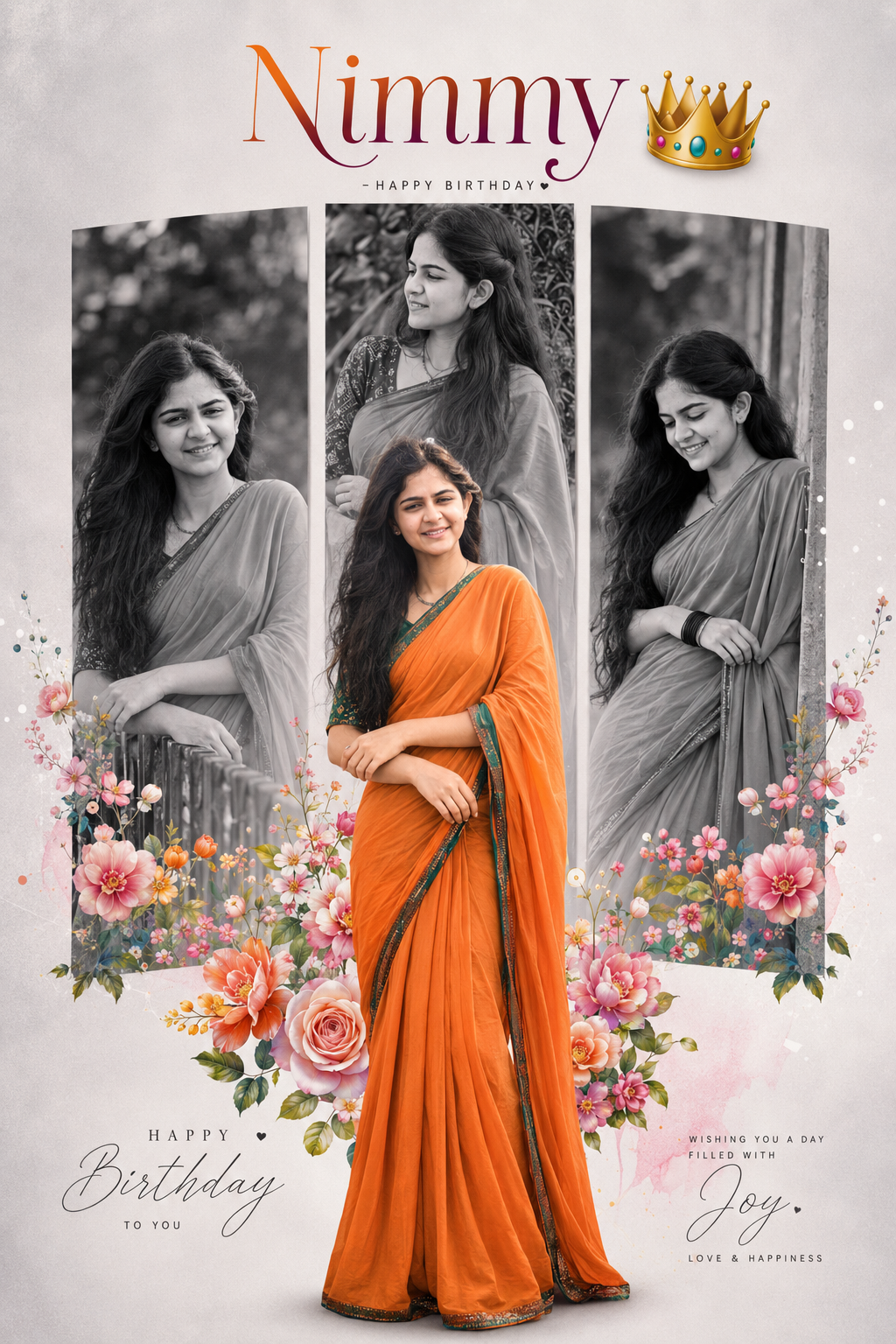
Happy birthday collage for Nimmy
Ultra realistic birthday collage poster of a beautiful Indian teenage girl in orange saree with green blouse soft smile long wavy...