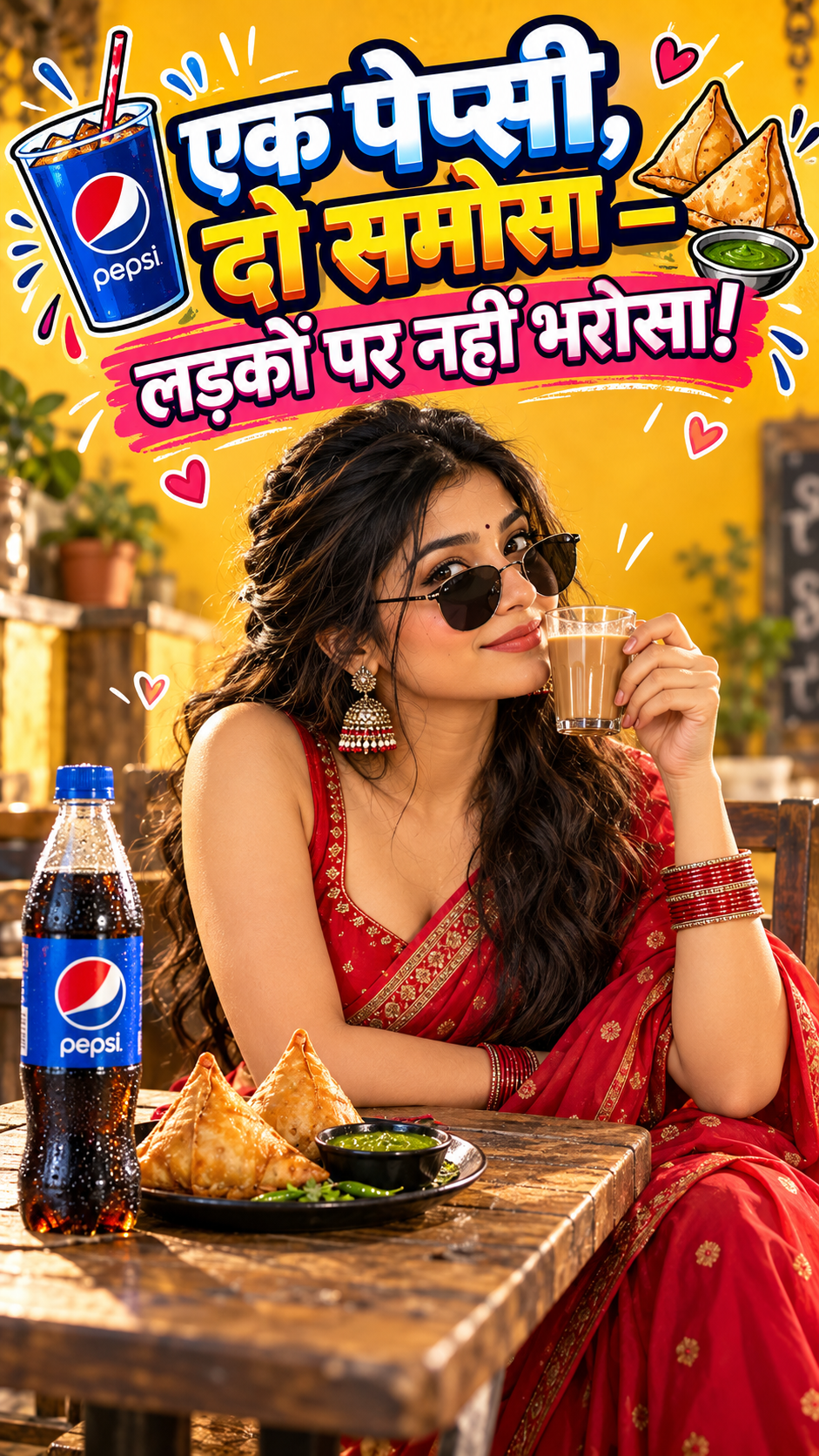
चाय, समोसे और देसी अंदाज़
चाय, समोसे और देसी अंदाज़
How to Use This AI Prompt
Copy the prompt, paste it into your preferred AI tool, and adjust the details when needed.
Copy the Prompt
Use the Copy Prompt button to copy the complete prompt.
Open Your AI Tool
Open the AI platform you want to use for your project.
Paste the Prompt
Paste the prompt into your preferred AI tool and run it.
Customize It
Change the subject, style, setting or other details.
Customize the Prompt for Your Idea
Personalize the prompt by changing only the details that are relevant to your desired result.
Subject
Change the main person, character, object or subject.
Style
Adjust the visual, artistic or creative style.
Lighting
Adjust brightness, shadows, highlights and atmosphere.
Background
Replace the environment or setting to fit your idea.
Tips for Better Results
Simple ways to make your prompt easier to understand and customize.
Keep important details specific
Clearly describe the main subject, setting and visual direction.
Change one detail at a time
Modify individual elements such as style, lighting or background when comparing different versions.
Add details that matter
Include useful information about appearance, composition, atmosphere and other important elements.
Experiment with variations
Try different versions of the same prompt to explore alternative creative directions.
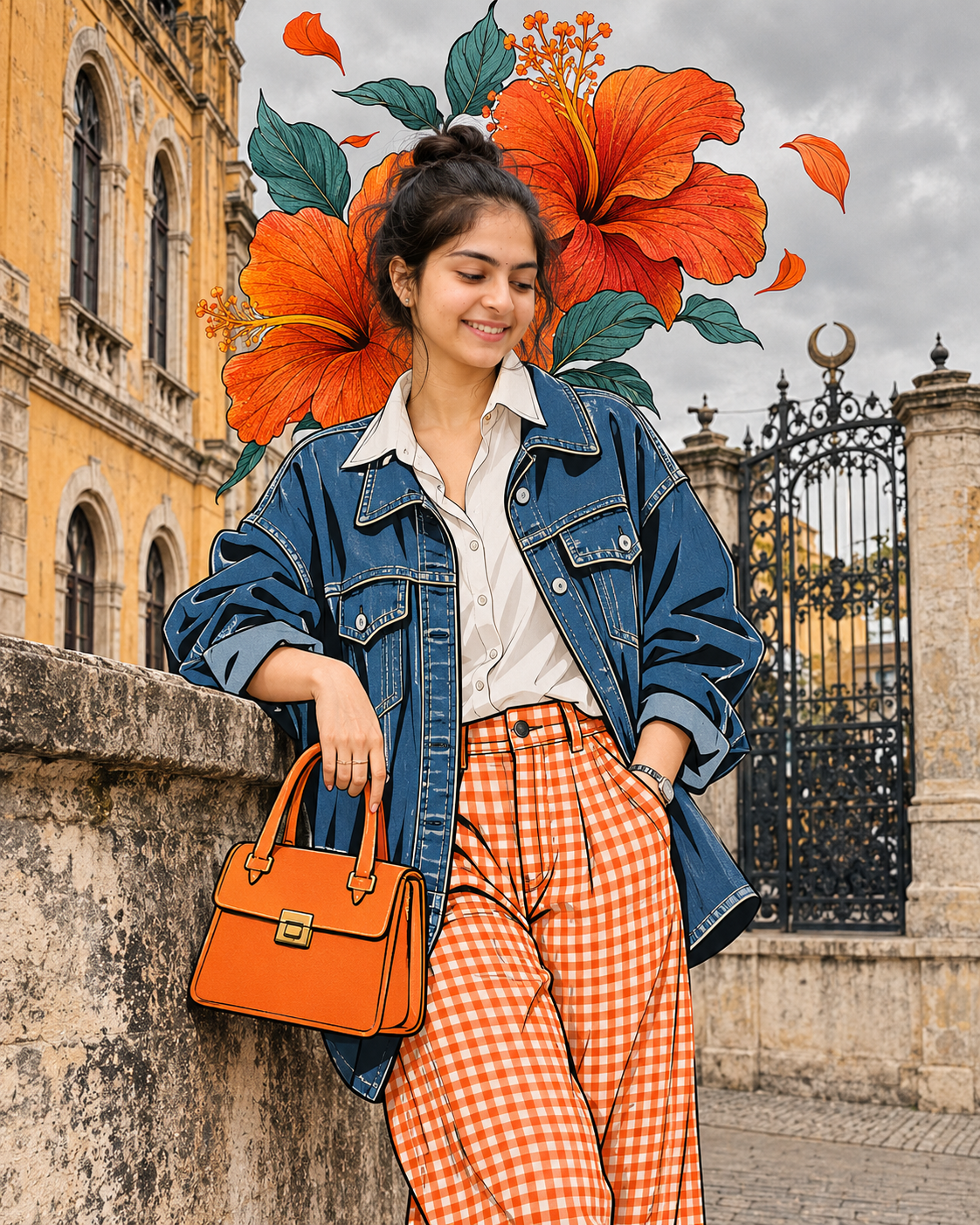
Heritage Blooms and Denim Dreams
A fashionable young woman with a messy updo and bangs, looking down to the side, wearing a white collared shirt, an oversized deni...
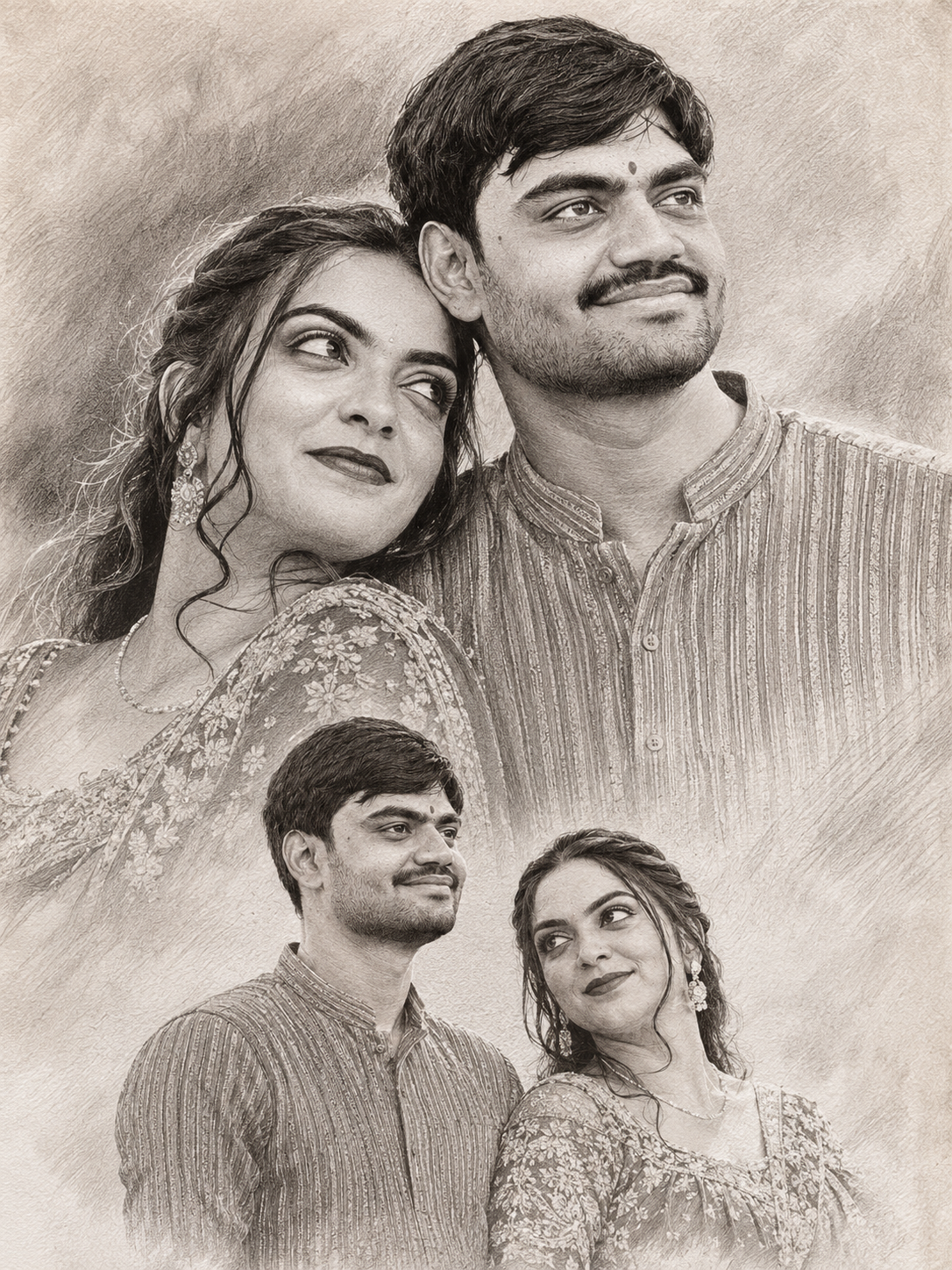
Sepia Sketch of an Indian Couple
Create an ultra-realistic, elegant **romantic couple pencil-sketch portrait collage** in a vertical 3:4 aspect ratio, inspired by...
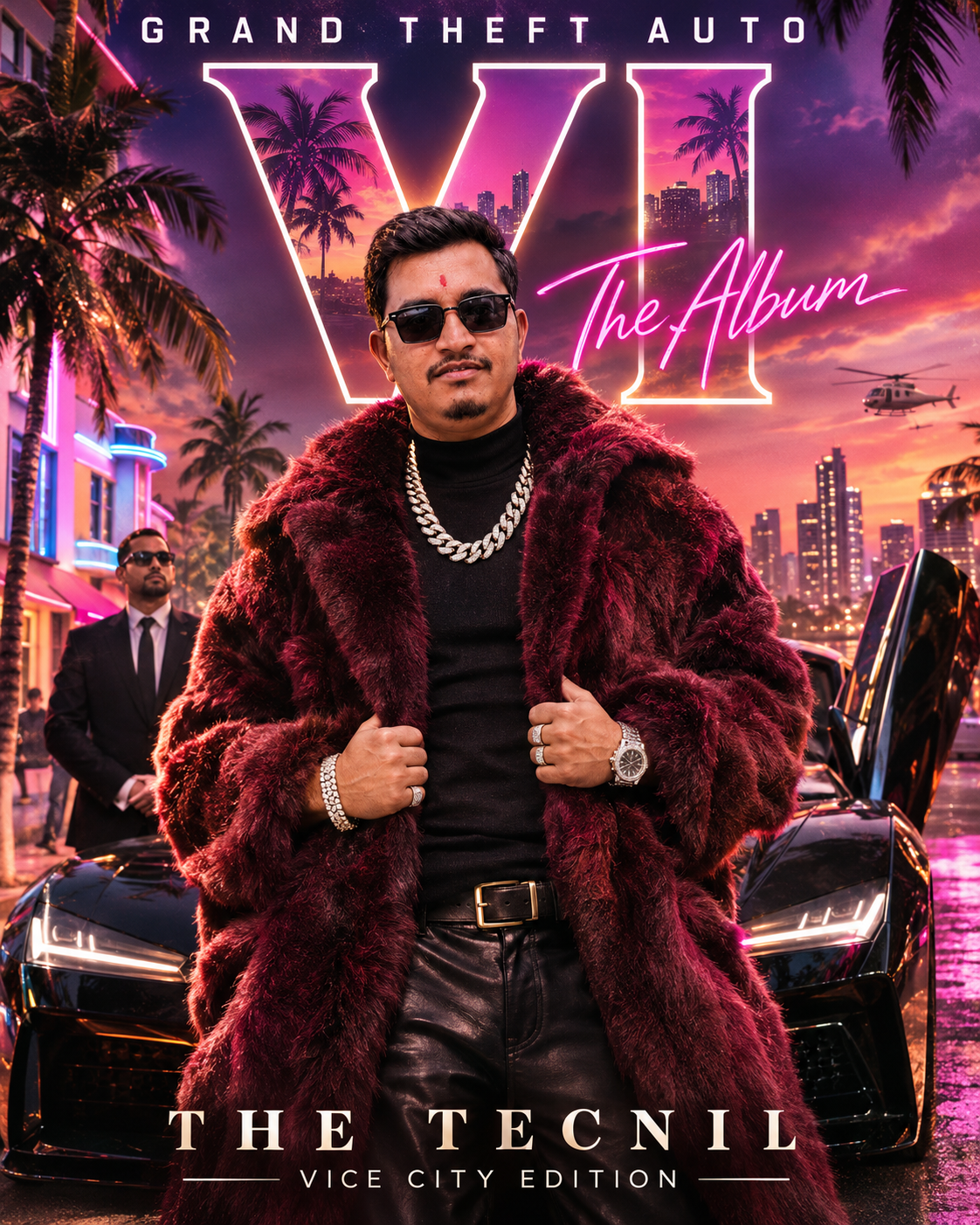
Neon Vice City Album Cover
Keep my face 100% identical to the uploaded reference photograph with absolutely no facial changes, reshaping, beautification, smo...
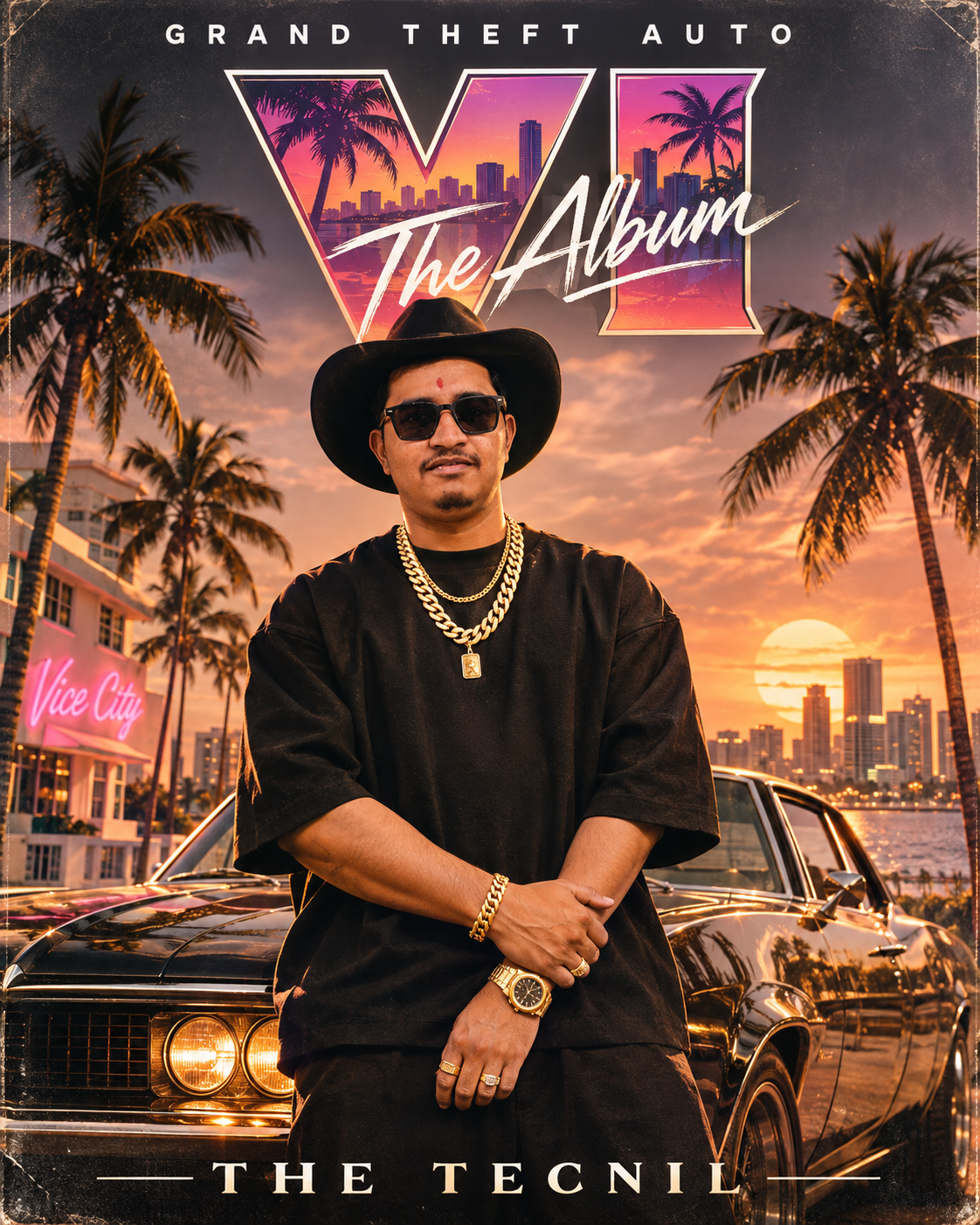
Sunset Miami Vice Album Cover
Create a hyperrealistic, vintage gangster-inspired **GTA VI – THE ALBUM** promotional poster starring me, using my uploaded photog...
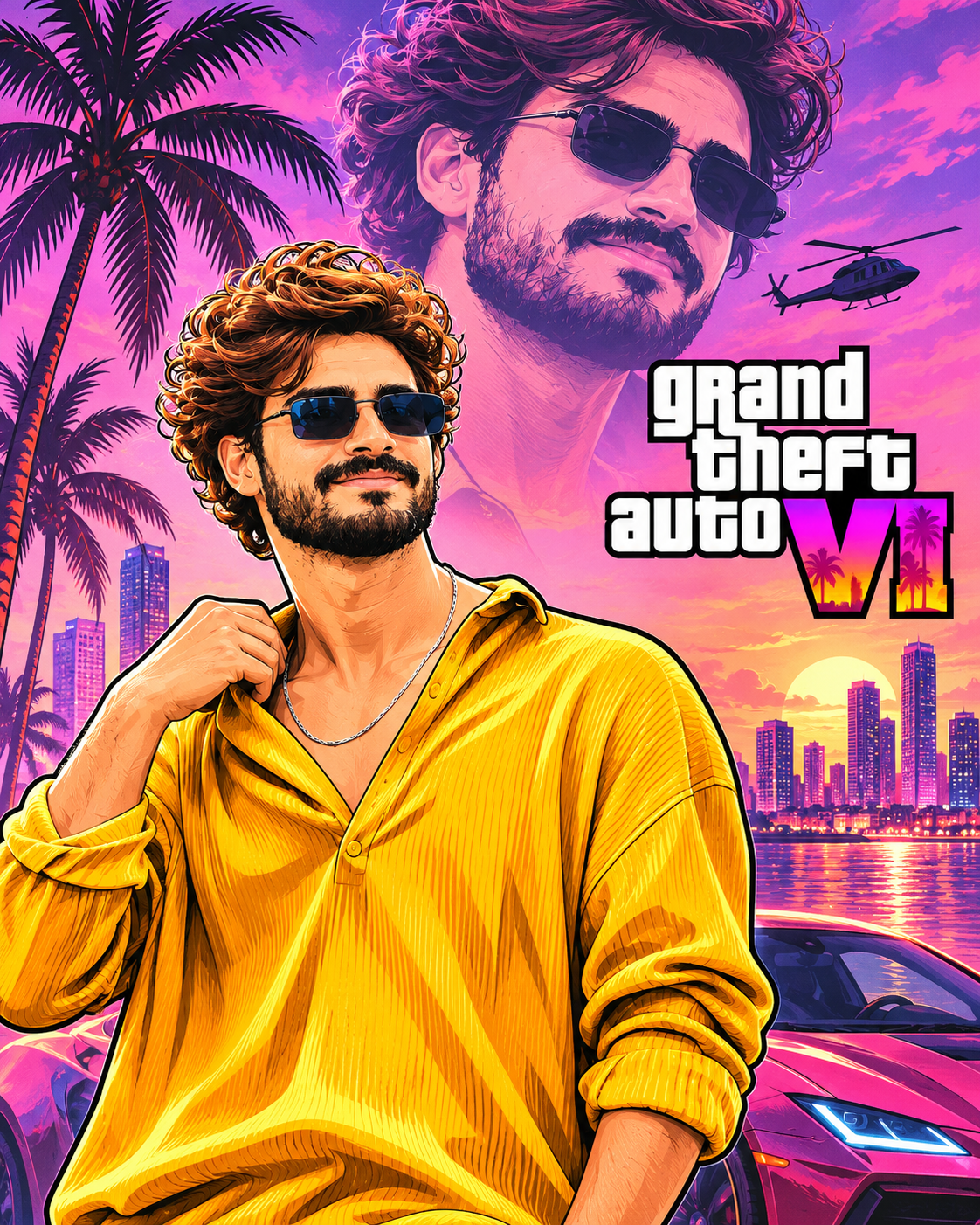
Neon Vice City Sunset Poster
Transform the reference into GTA VI loading-screen artwork. Preserve exact framing, perspective, subject likeness, expression, pos...
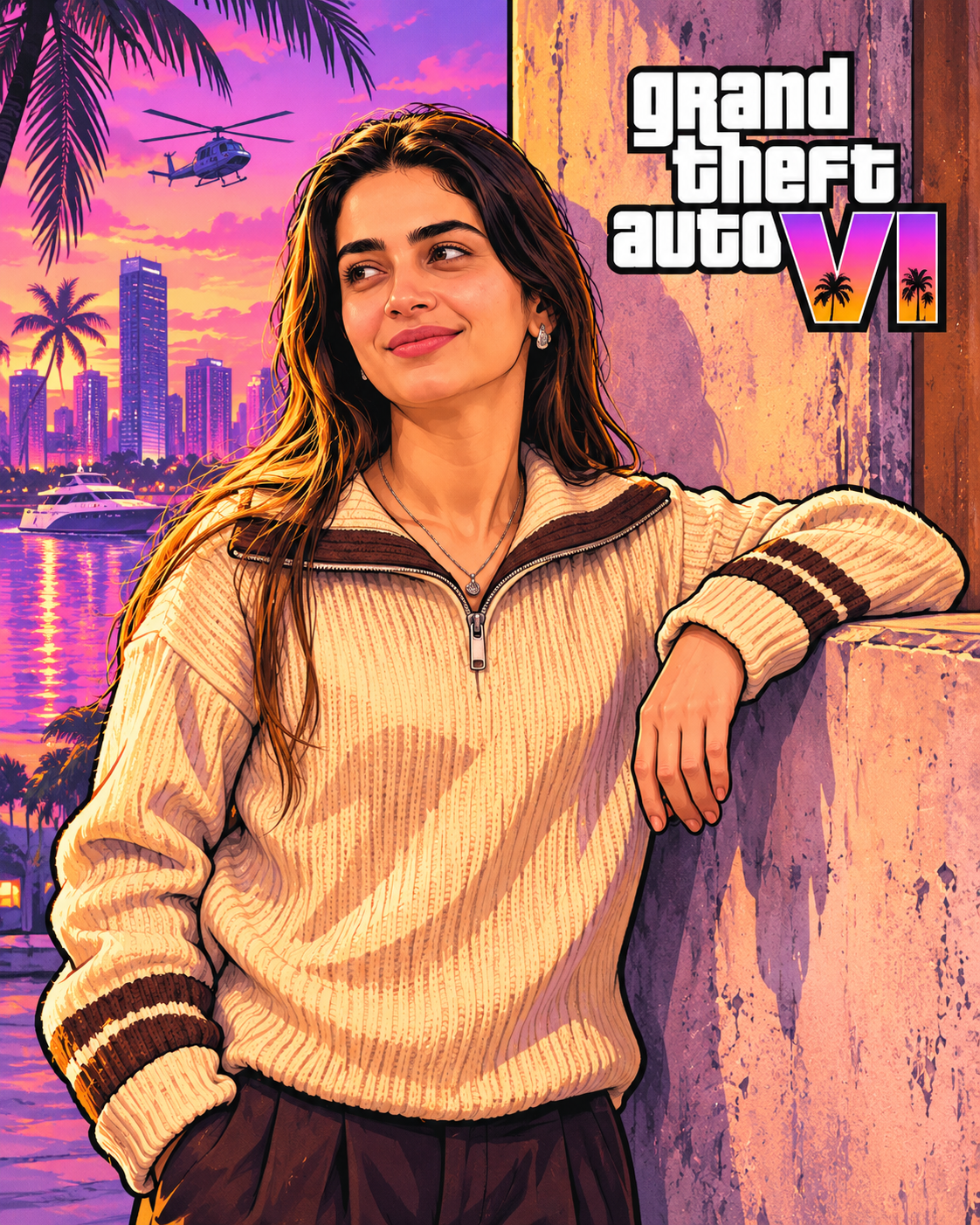
Neon Sunset Vice Portrait
Transform the reference into GTA VI loading-screen artwork. Preserve exact framing, perspective, subject likeness, expression, pos...