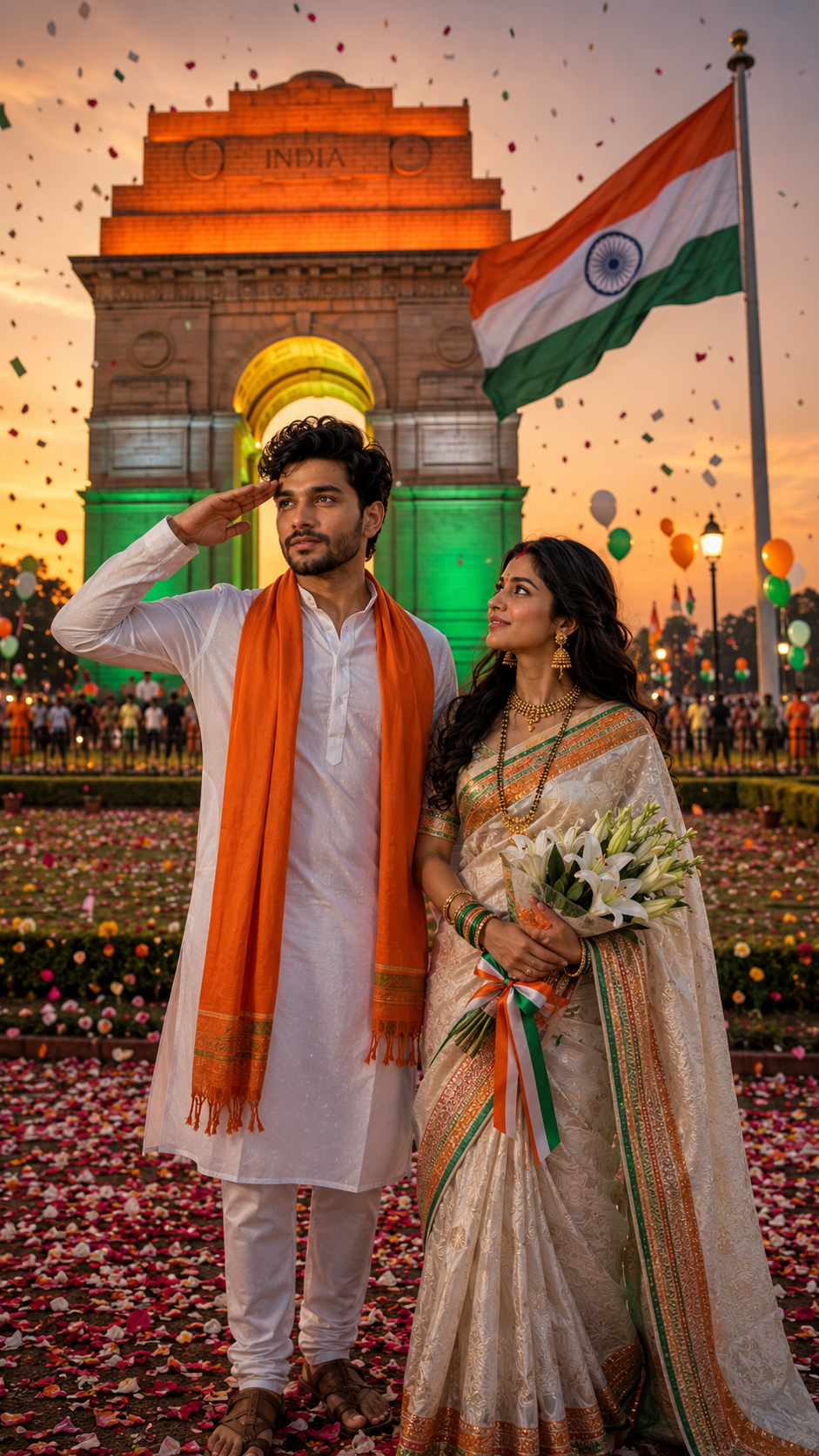
Independence Day 2
Independence Day 2
How to Use This AI Prompt
Copy the prompt, paste it into your preferred AI tool, and adjust the details when needed.
Copy the Prompt
Use the Copy Prompt button to copy the complete prompt.
Open Your AI Tool
Open the AI platform you want to use for your project.
Paste the Prompt
Paste the prompt into your preferred AI tool and run it.
Customize It
Change the subject, style, setting or other details.
Customize the Prompt for Your Idea
Personalize the prompt by changing only the details that are relevant to your desired result.
Subject
Change the main person, character, object or subject.
Style
Adjust the visual, artistic or creative style.
Lighting
Adjust brightness, shadows, highlights and atmosphere.
Background
Replace the environment or setting to fit your idea.
Tips for Better Results
Simple ways to make your prompt easier to understand and customize.
Keep important details specific
Clearly describe the main subject, setting and visual direction.
Change one detail at a time
Modify individual elements such as style, lighting or background when comparing different versions.
Add details that matter
Include useful information about appearance, composition, atmosphere and other important elements.
Experiment with variations
Try different versions of the same prompt to explore alternative creative directions.
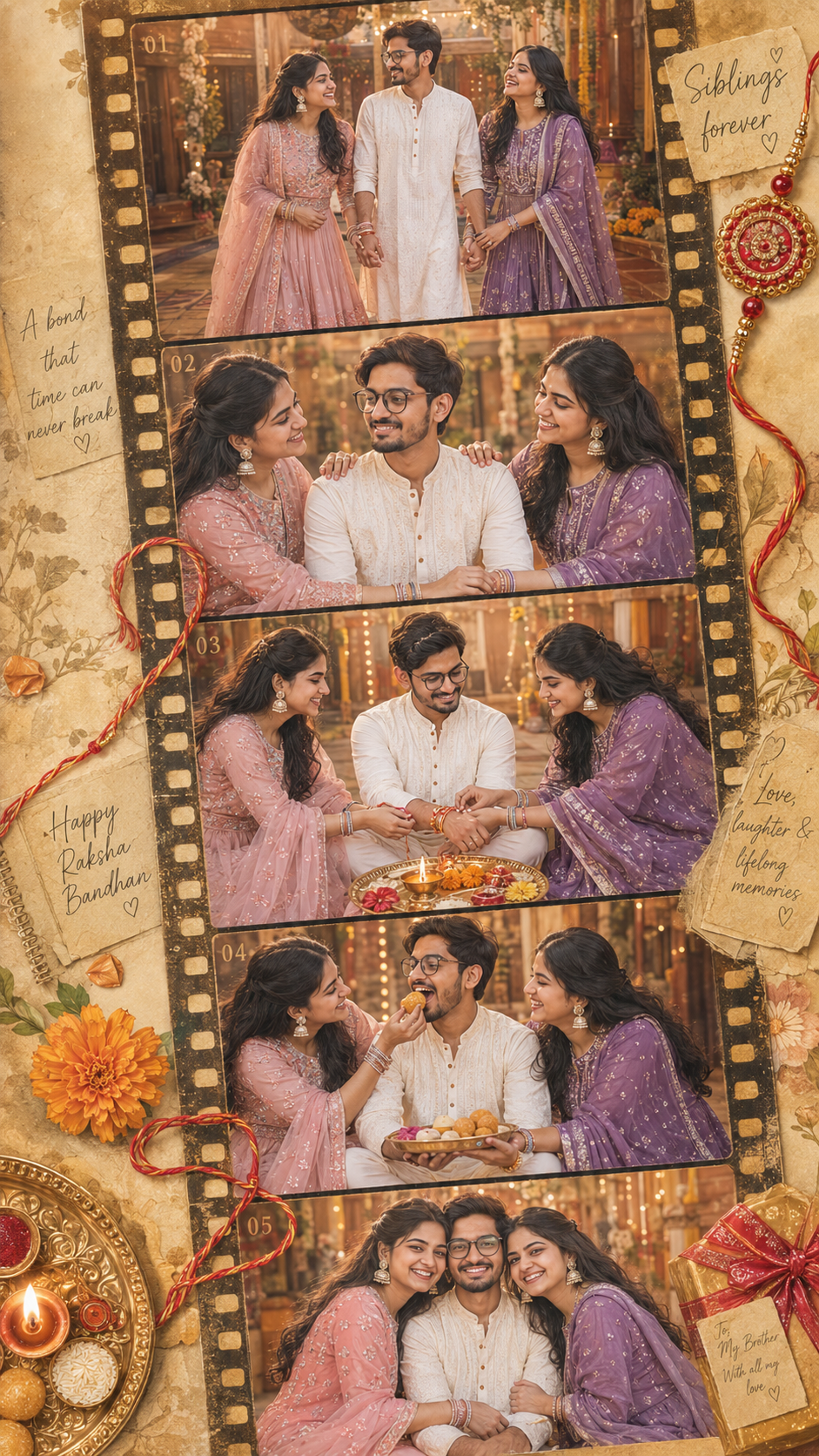
cinematic filmstrip collage portrait
Create a unique, photorealistic Raksha Bandhan **cinematic filmstrip collage portrait** featuring two beautiful Indian sisters and...
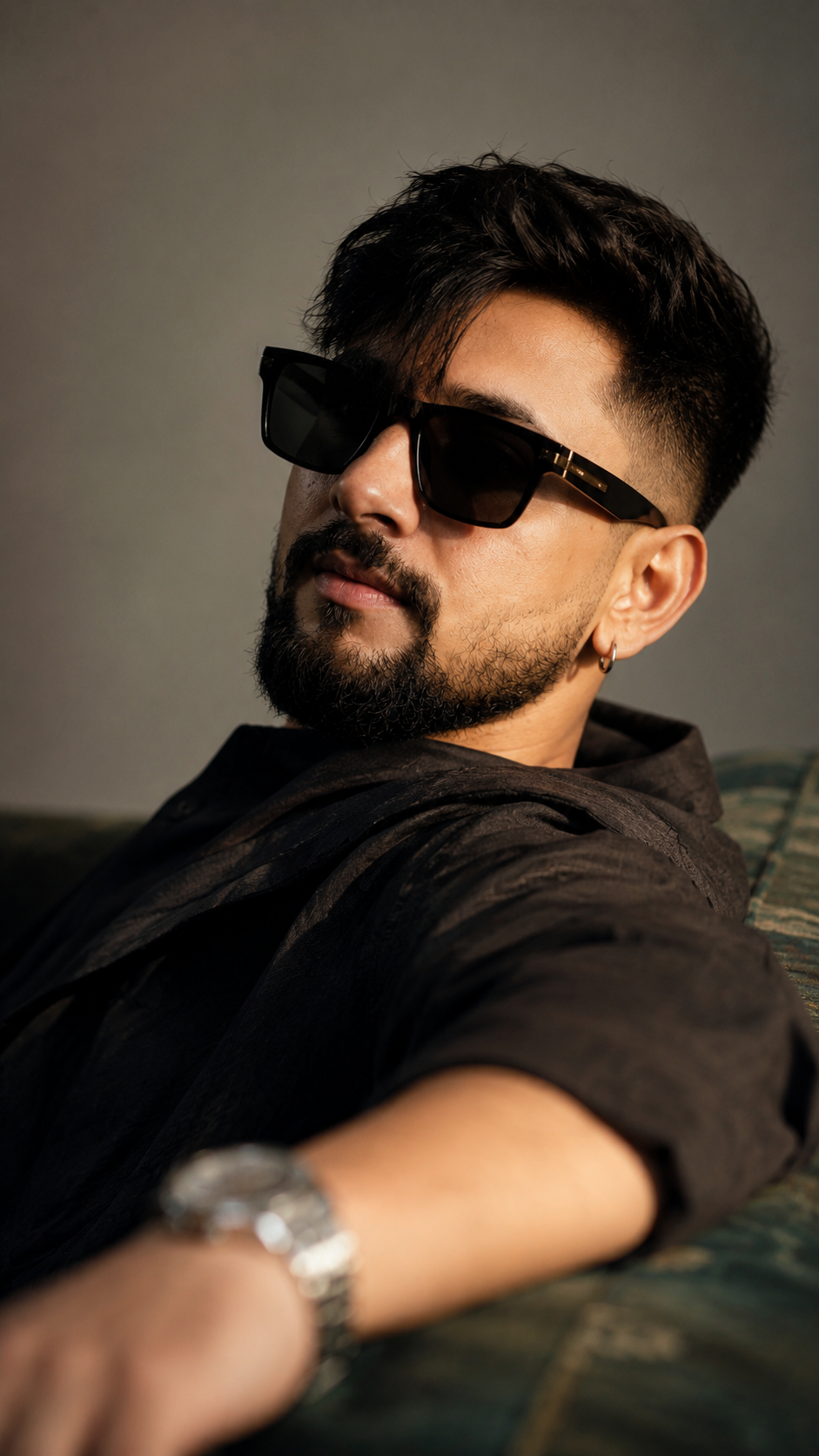
Moody Portrait with Sunglasses and Watch
Ultra-realistic, hyper-detailed, 8K cinematic portrait of a young stylish man, using the uploaded image for exact face and hairsty...
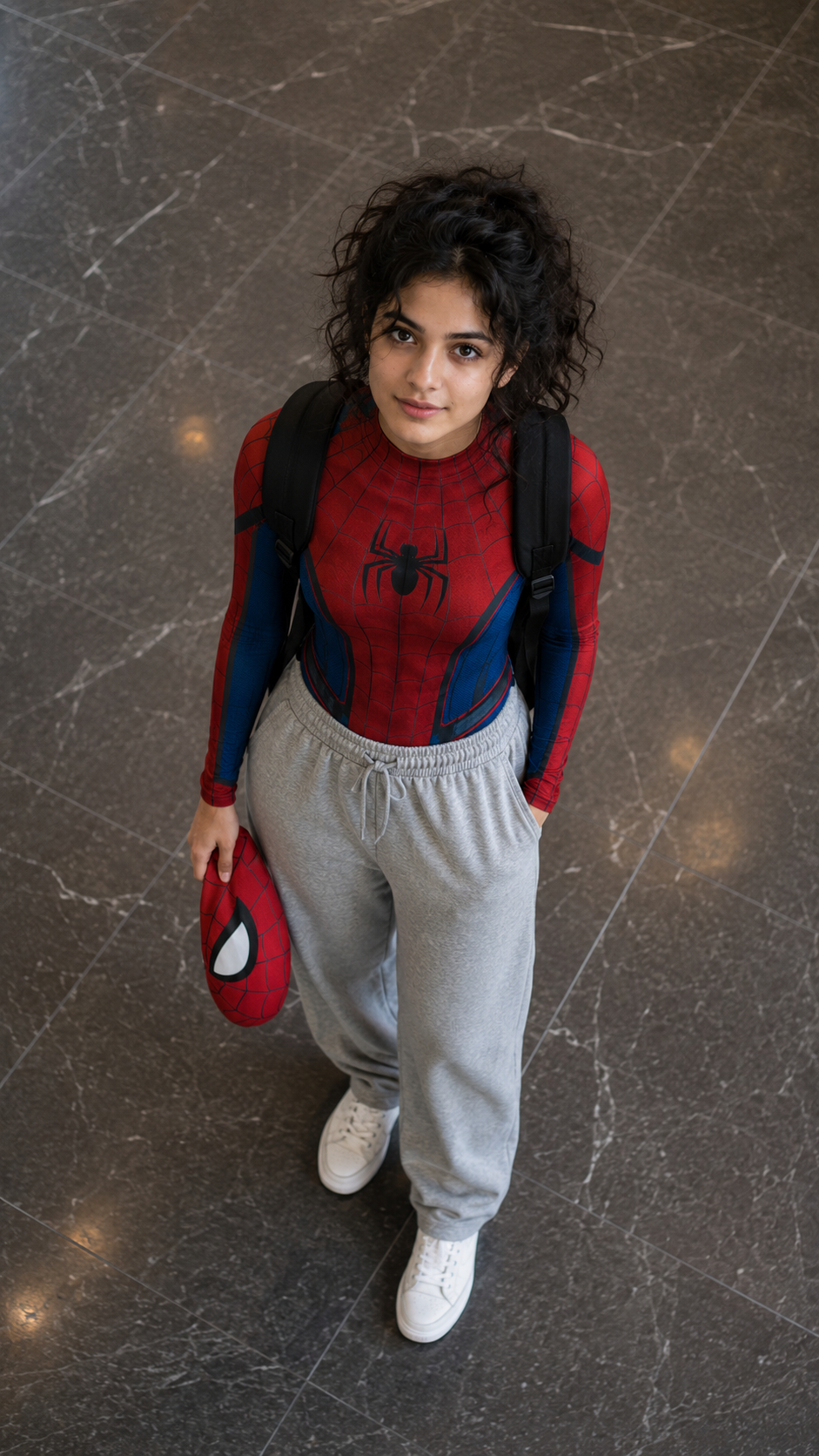
Spider-Man Cosplay on Marble Tiles
A realistic high-angle full-body shot of a young woman with messy, textured black curly hair looking up at the camera. She is dres...
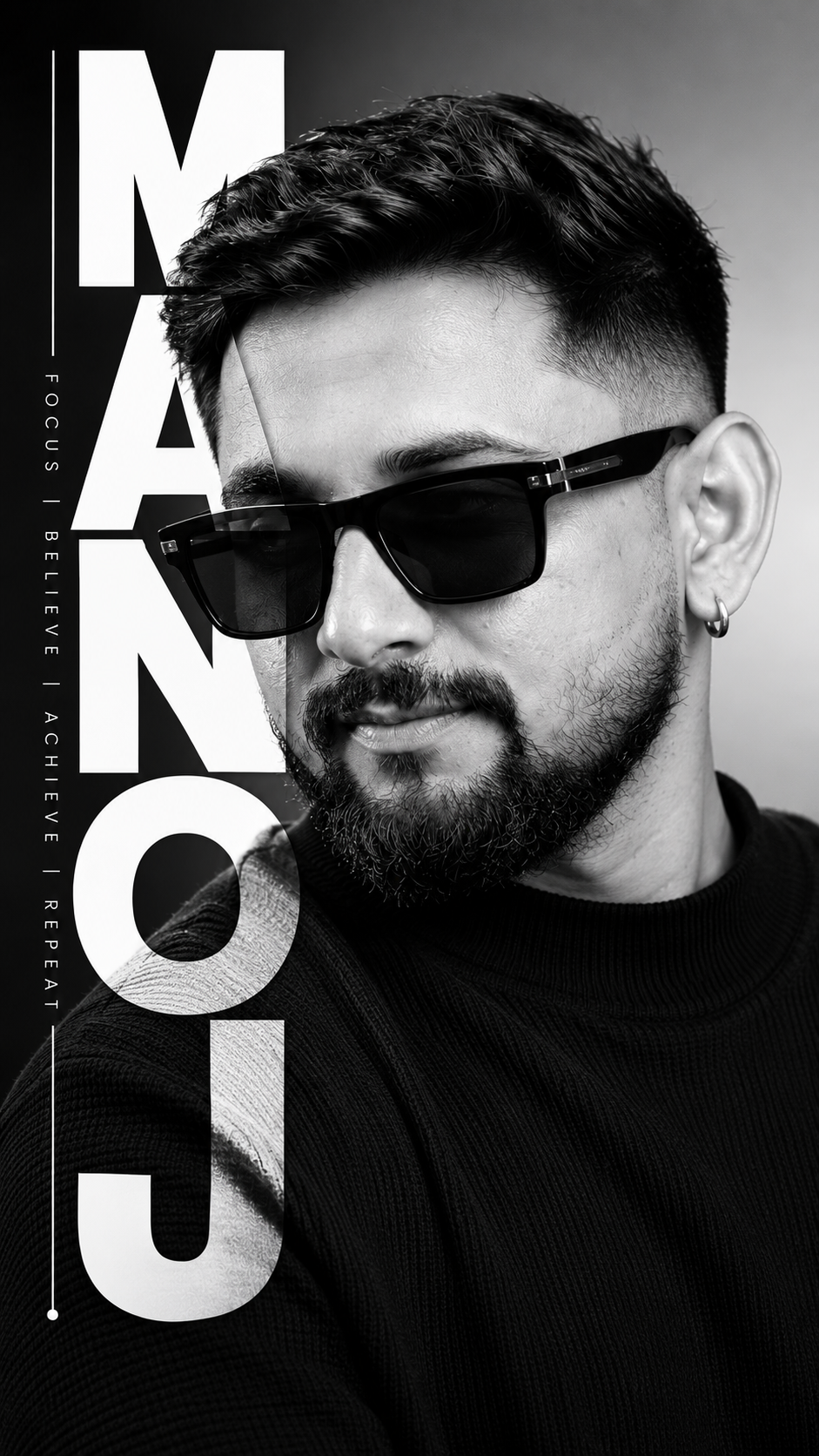
Vertical Manoj Editorial Portrait
Gunakan foto referensi yang saya unggah sebagai identitas utama karakter. Pertahankan kemiripan wajah 100% tanpa mengubah bentuk w...
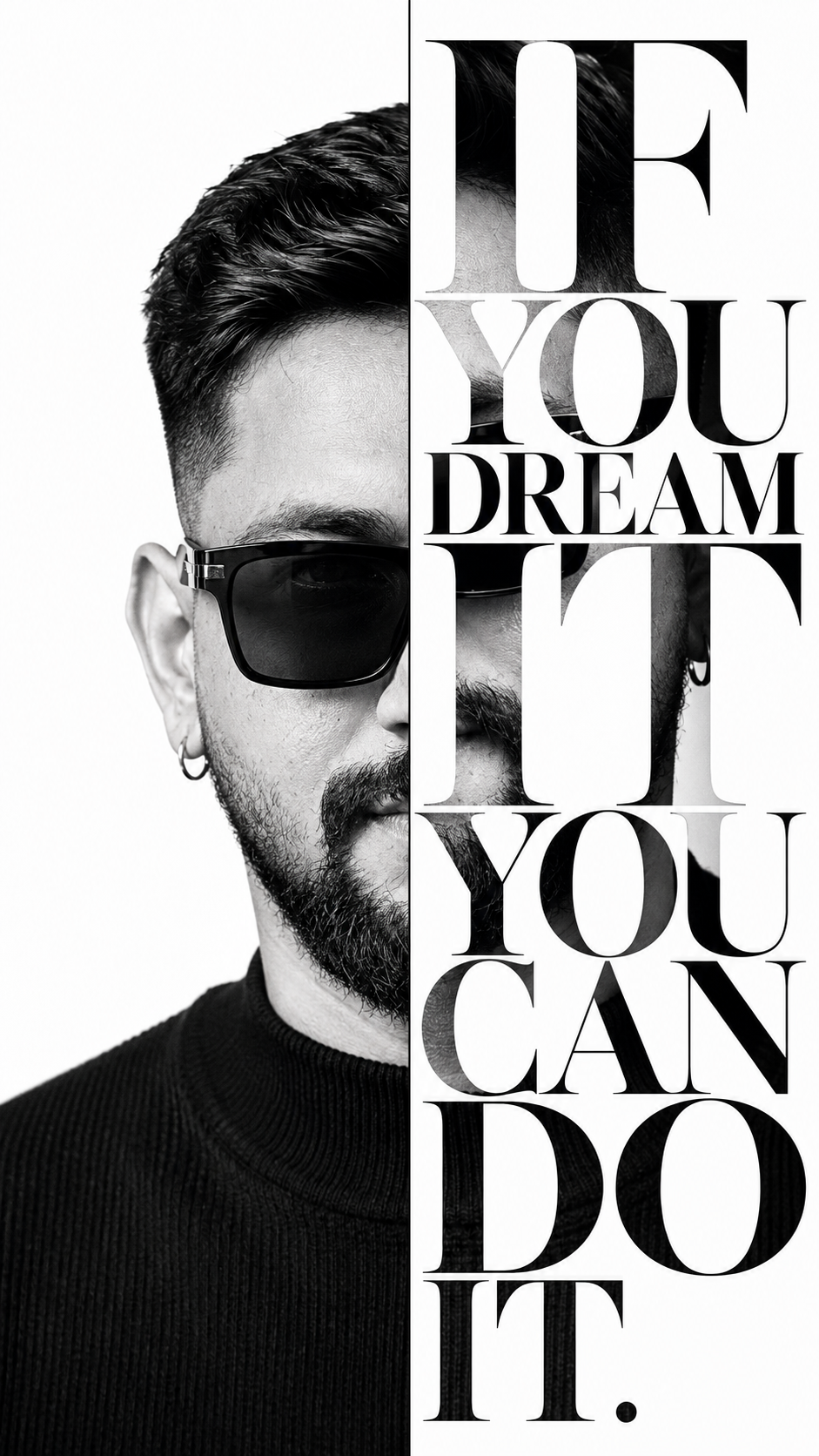
Monochrome Portrait and Motivational Typography
Gunakan foto referensi yang saya unggah sebagai identitas utama karakter. Pertahankan kemiripan wajah 100% (bentuk wajah, struktur...
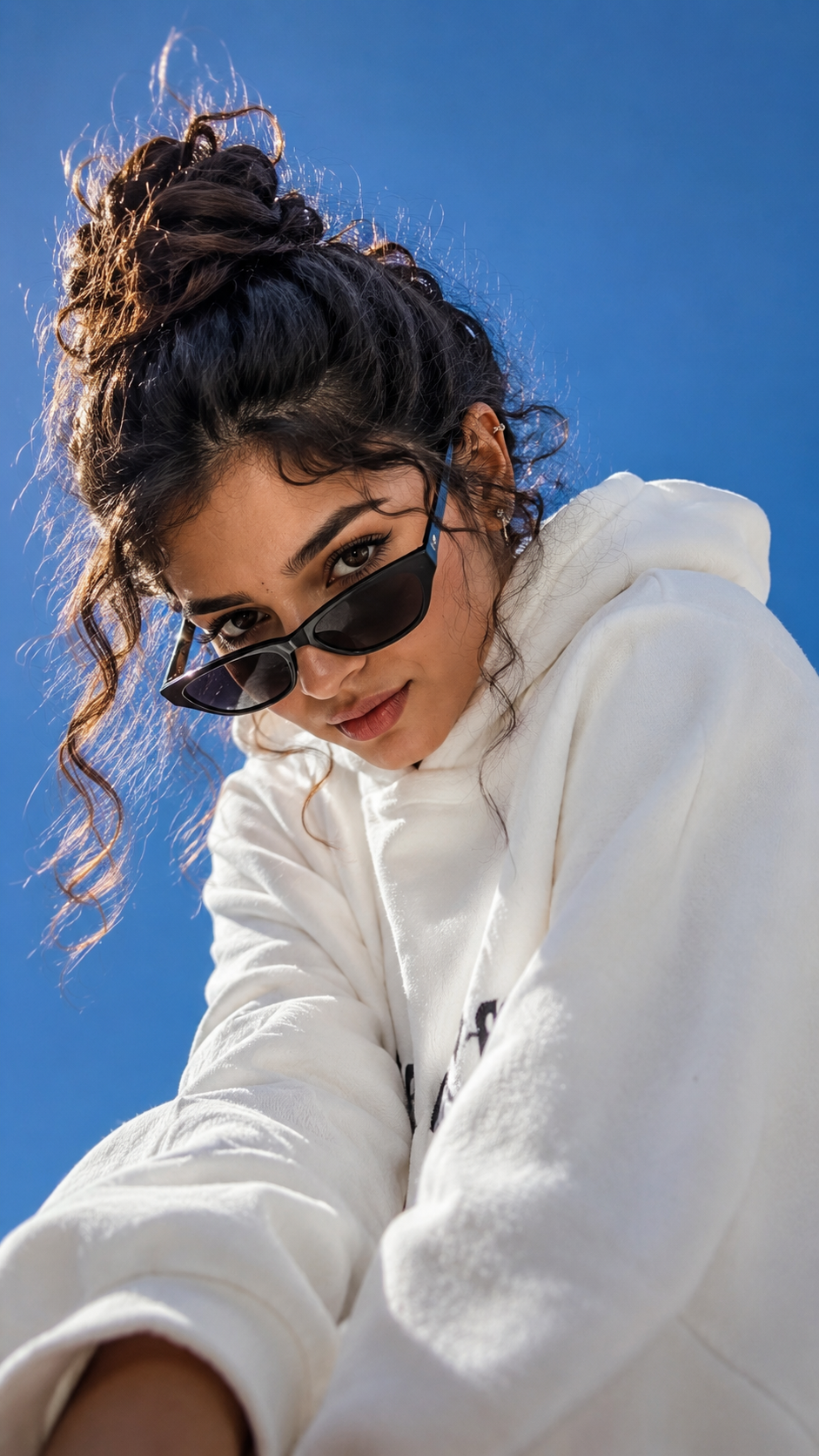
Confident gaze under the blue sky
Use my photo as a basis. Photorealistic 9:16 photo. SHOOTING: high contrast photo, mid-range, natural smartphone perspective, emp...