Home Prompts Save The Date Luxury Beach Pre-wedding Photoshoot
Luxury Beach Pre-wedding Photoshoot
Save The Date

Luxury Beach Pre-wedding Photoshoot

Prompt
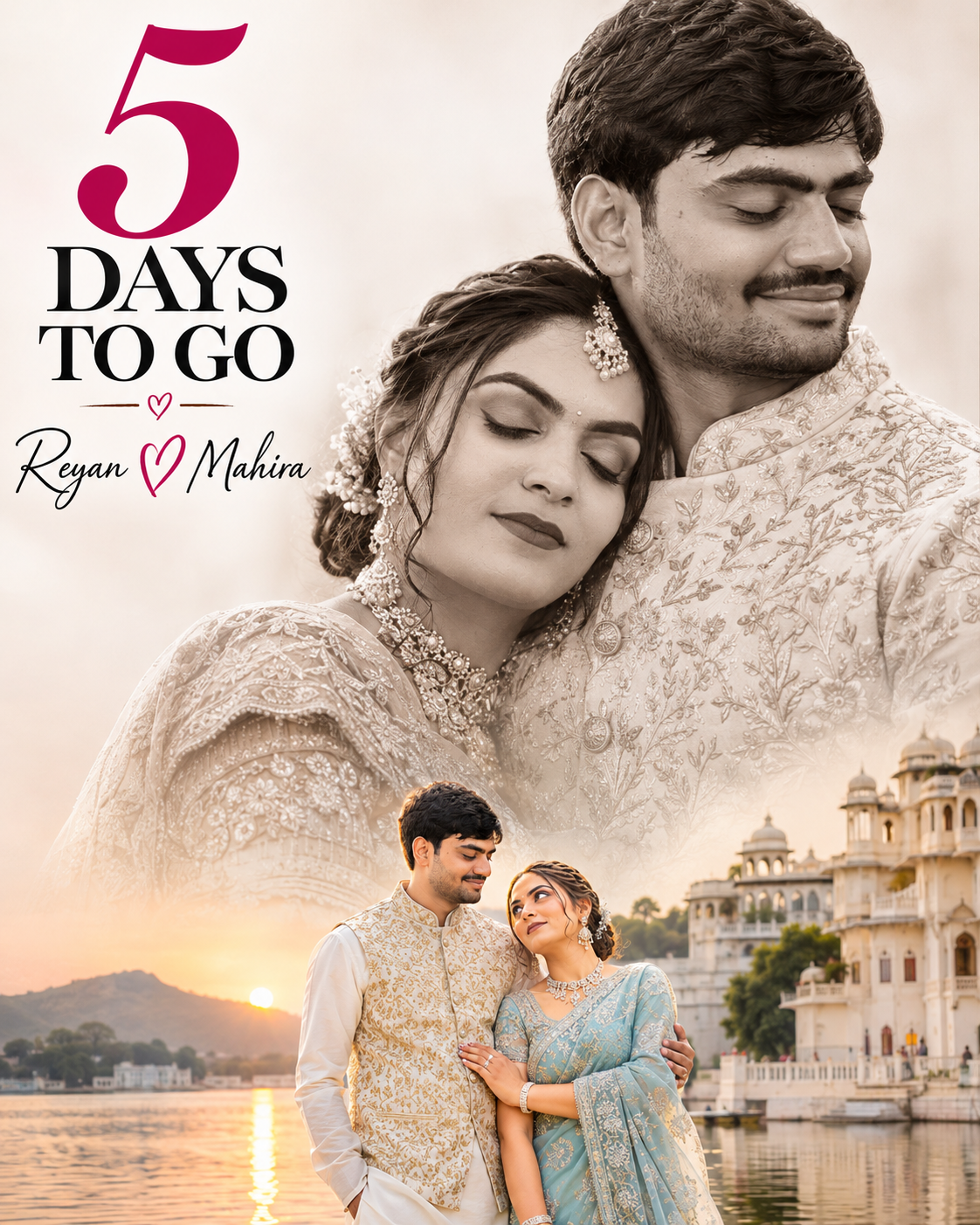
Create an ultra-realistic luxury beach pre-wedding photoshoot poster using the uploaded couple photograph as the ONLY identity reference for both individuals. **STRICT IDENTITY PRESERVATION:** Preserve both individuals' exact recognizable facial identities, facial structures, eyes, eyebrows, nose, lips, jawlines, skin tones, hairstyles and natural facial characteristics. Do not alter, merge, swap or beautify their faces. ### POSE & COMPOSITION Capture a full-body romantic and playful couple photograph on a beautiful tropical beach. The man stands on the left side, wearing a clean white casual linen shirt with sleeves slightly rolled up, beige chinos and white sneakers. The woman stands on the right side, wearing an elegant flowing white knee-length summer dress with delicate embroidery and white sneakers. Both extend their arms sideways like airplane wings while slightly leaning their bodies in opposite directions, creating a fun, carefree and joyful romantic pose. The man smiles naturally while looking toward the camera. The woman smiles beautifully while looking slightly toward the ocean. Keep both subjects holding a comfortable distance from each other while enjoying the moment. ### BACKGROUND & ENVIRONMENT A stunning tropical beach with turquoise-blue ocean water, gentle rolling waves, soft white sea foam and a wide sandy shoreline. The horizon should be clean and visible, with a beautiful open sky occupying approximately the upper 55% of the composition. Create a peaceful coastal atmosphere with subtle sea mist and natural sunlight. ### TYPOGRAPHY DESIGN Place elegant premium wedding announcement typography in the upper center against the clear sky. Small uppercase letter-spaced text: " [GROOM NAME] AND [BRIDE NAME] " Large sophisticated white serif typography: "SAVE" Overlay elegant blush-pink handwritten script: "The Date" Add a small white rectangular label underneath with: "WEDDING ON [WEDDING DATE]" Use refined luxury editorial typography with beautiful spacing, clean alignment and high readability. ### COLOR GRADING & FILTER Recreate the exact dreamy teal-and-aqua beach photography aesthetic: - Rich turquoise and teal ocean tones. - Soft aqua-blue sky. - Muted sandy beige foreground. - Slightly desaturated cinematic colors. - Cool teal shadows. - Soft natural skin tones. - Gentle matte film finish. - Subtle atmospheric haze. - Soft contrast and natural highlights. - Premium destination wedding photography color grading. ### CAMERA & PHOTOGRAPHY Professional full-frame DSLR wedding photography, 85mm portrait lens, f/2.8 aperture, full-body composition, realistic skin texture, natural fabric movement, detailed ocean waves, cinematic depth of field, luxury pre-wedding editorial photography, ultra-photorealistic 8K quality. ### OUTPUT COMPOSITION Vertical 9:16 portrait. - Upper 55%: open sky and wedding typography. - Lower 45%: full-body couple on the beach. - Couple positioned in the lower-middle area. - Beautiful ocean visible behind them. - Clean premium wedding poster composition. **NEGATIVE PROMPT:** Changed facial identities, face swapping, artificial skin, distorted hands, extra fingers, extra limbs, unnatural body proportions, cartoon, CGI, oversaturated colors, blurry faces, misspelled names, watermark, logos.
72 Views 48 Copies
About This Prompt

Luxury Beach Pre-wedding Photoshoot

Create an ultra-realistic luxury beach pre-wedding photoshoot poster using the uploaded couple photograph as the ONLY identity reference for both individua...
How It Works

How to Use This AI Prompt

Copy the prompt, paste it into your preferred AI tool, and adjust the details when needed.

01

Copy the Prompt

Use the Copy Prompt button to copy the complete prompt.

02

Open Your AI Tool

Open the AI platform you want to use for your project.

03

Paste the Prompt

Paste the prompt into your preferred AI tool and run it.

04

Customize It

Change the subject, style, setting or other details.

Customize

Customize the Prompt for Your Idea

Personalize the prompt by changing only the details that are relevant to your desired result.

Subject

Change the main person, character, object or subject.

Style

Adjust the visual, artistic or creative style.

Lighting

Adjust brightness, shadows, highlights and atmosphere.

Background

Replace the environment or setting to fit your idea.

Prompt Tips

Tips for Better Results

Simple ways to make your prompt easier to understand and customize.

Keep important details specific

Clearly describe the main subject, setting and visual direction.

Change one detail at a time

Modify individual elements such as style, lighting or background when comparing different versions.

Add details that matter

Include useful information about appearance, composition, atmosphere and other important elements.

Experiment with variations

Try different versions of the same prompt to explore alternative creative directions.