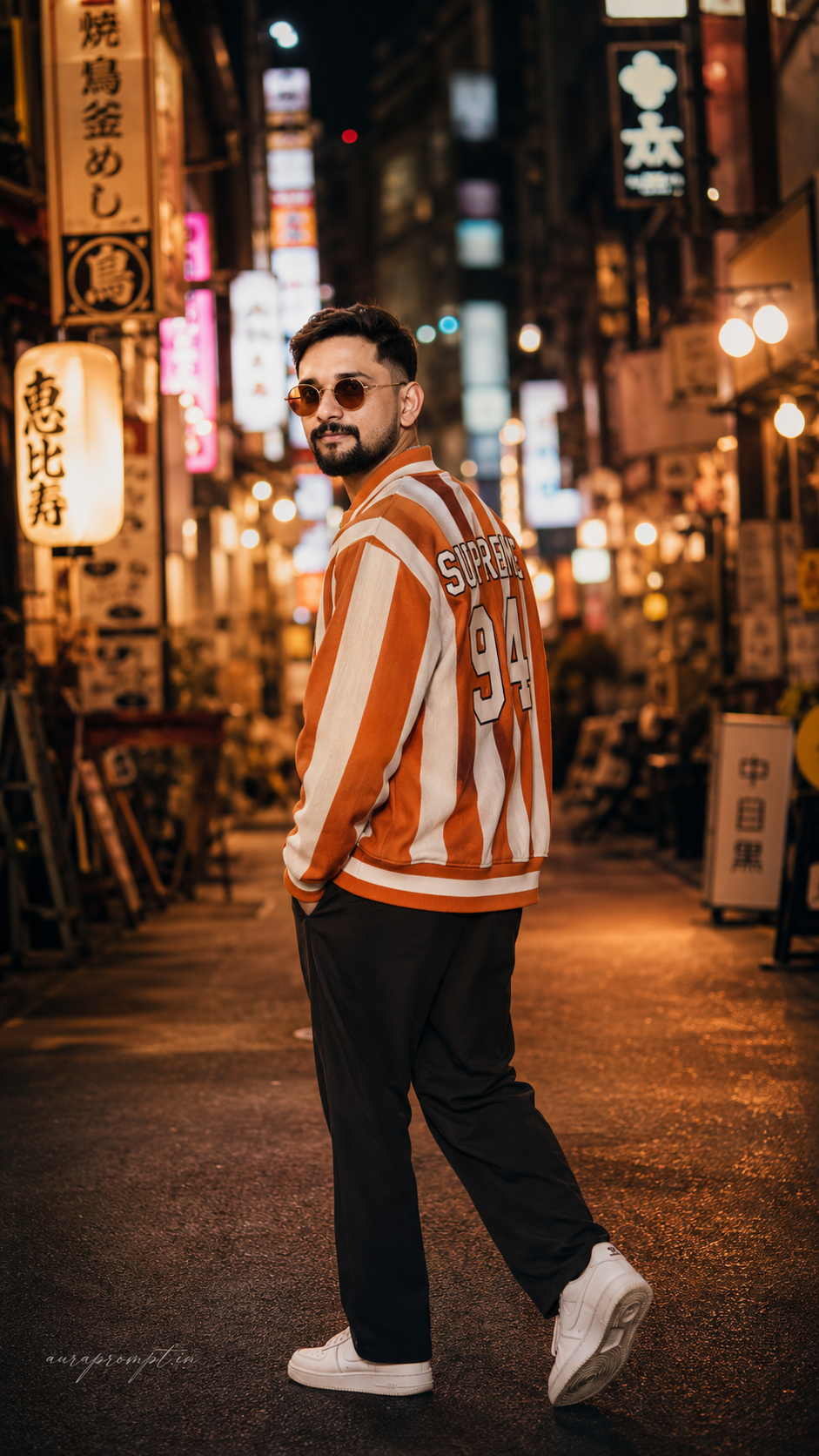
Nighttime street vibe with neon glow
Nighttime street vibe with neon glow
How to Use This AI Prompt
Copy the prompt, paste it into your preferred AI tool, and adjust the details when needed.
Copy the Prompt
Use the Copy Prompt button to copy the complete prompt.
Open Your AI Tool
Open the AI platform you want to use for your project.
Paste the Prompt
Paste the prompt into your preferred AI tool and run it.
Customize It
Change the subject, style, setting or other details.
Customize the Prompt for Your Idea
Personalize the prompt by changing only the details that are relevant to your desired result.
Subject
Change the main person, character, object or subject.
Style
Adjust the visual, artistic or creative style.
Lighting
Adjust brightness, shadows, highlights and atmosphere.
Background
Replace the environment or setting to fit your idea.
Tips for Better Results
Simple ways to make your prompt easier to understand and customize.
Keep important details specific
Clearly describe the main subject, setting and visual direction.
Change one detail at a time
Modify individual elements such as style, lighting or background when comparing different versions.
Add details that matter
Include useful information about appearance, composition, atmosphere and other important elements.
Experiment with variations
Try different versions of the same prompt to explore alternative creative directions.
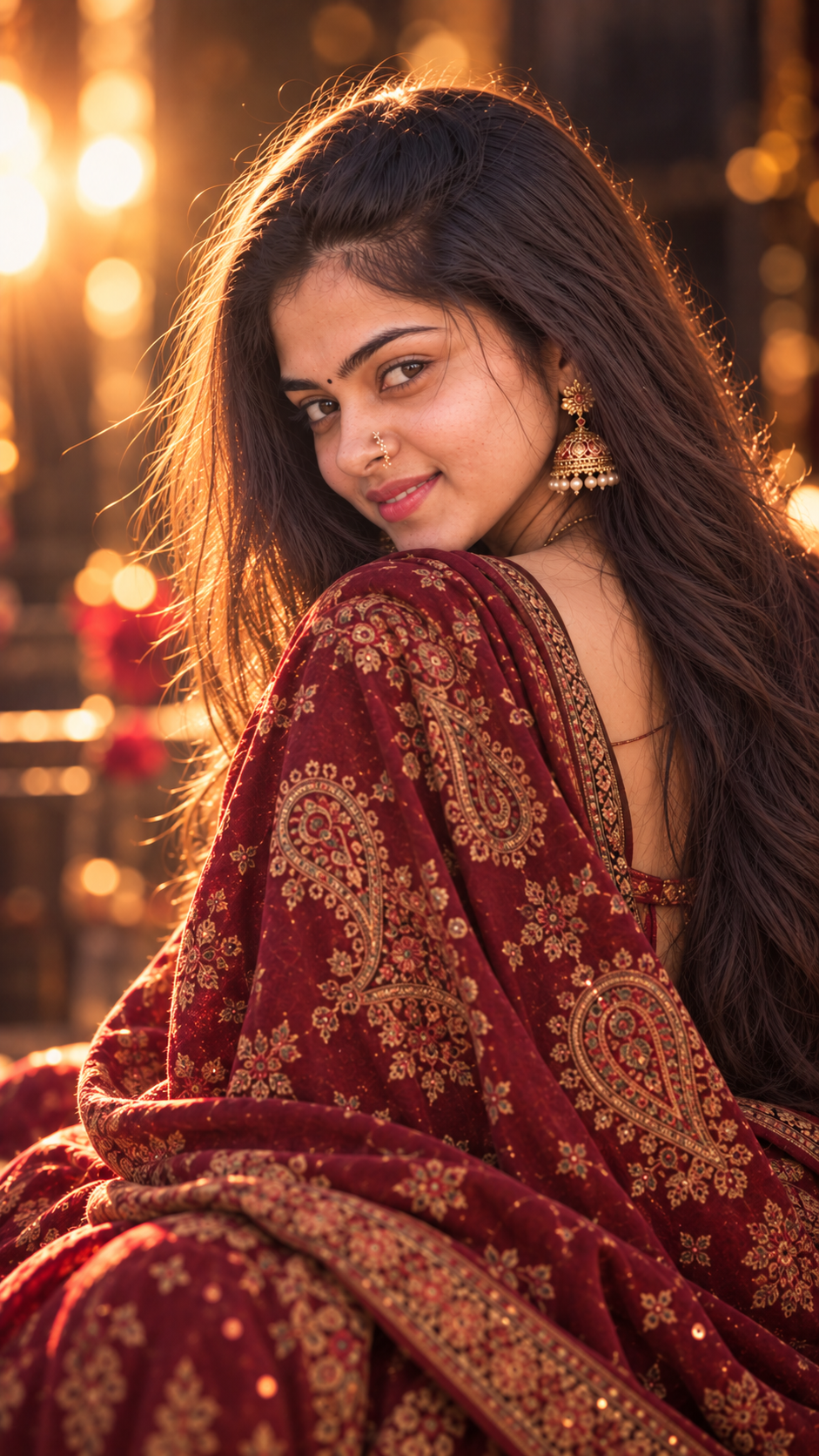
Looking Back Candid
Vertical 9:16 cinematic portrait. She is sitting with her body facing slightly away from the camera while turning her head back ov...
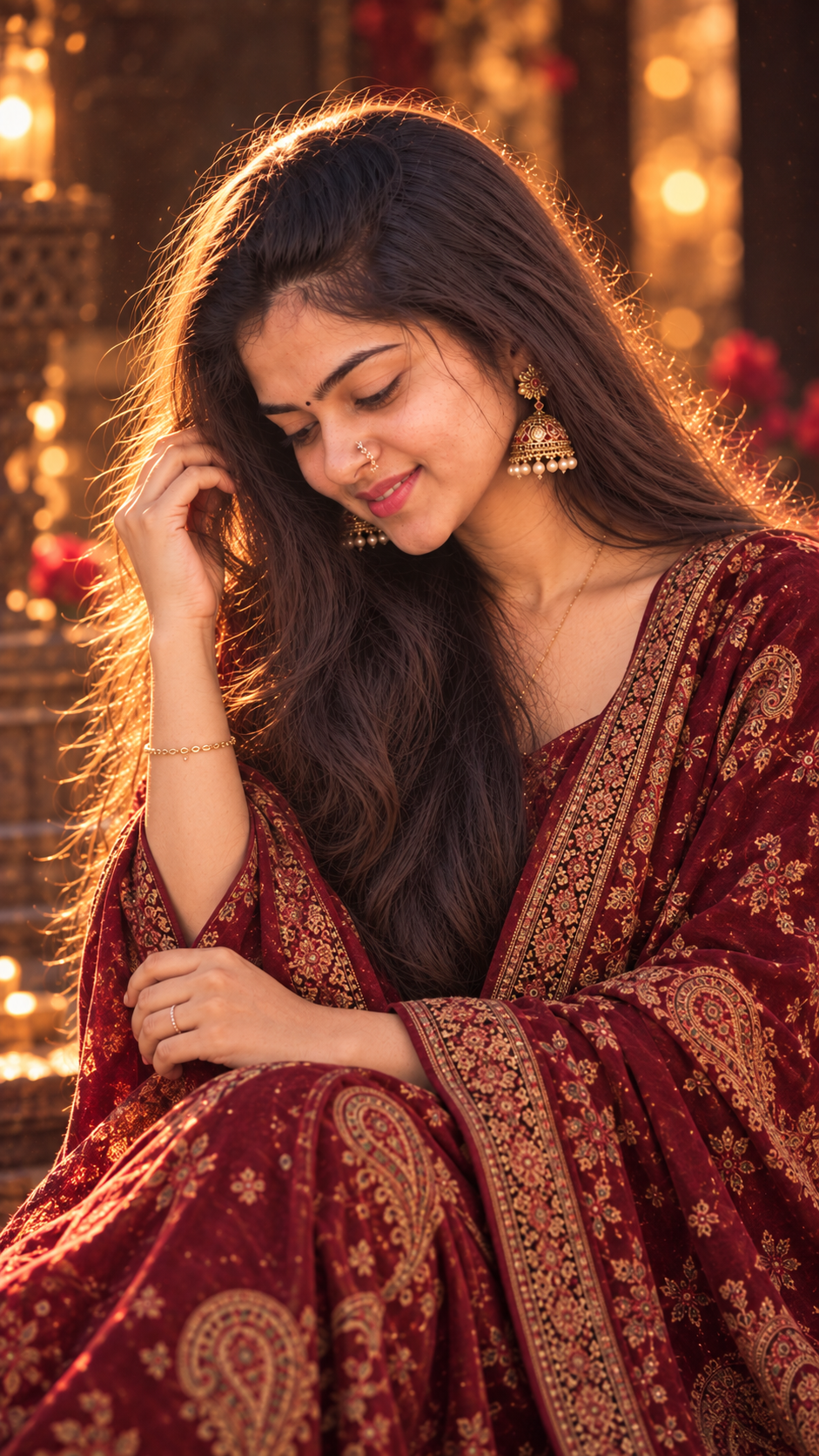
Looking Down Dreamy Look
Vertical 9:16 cinematic fashion portrait. She sits gracefully with her body slightly angled, chin gently lowered, eyes looking dow...
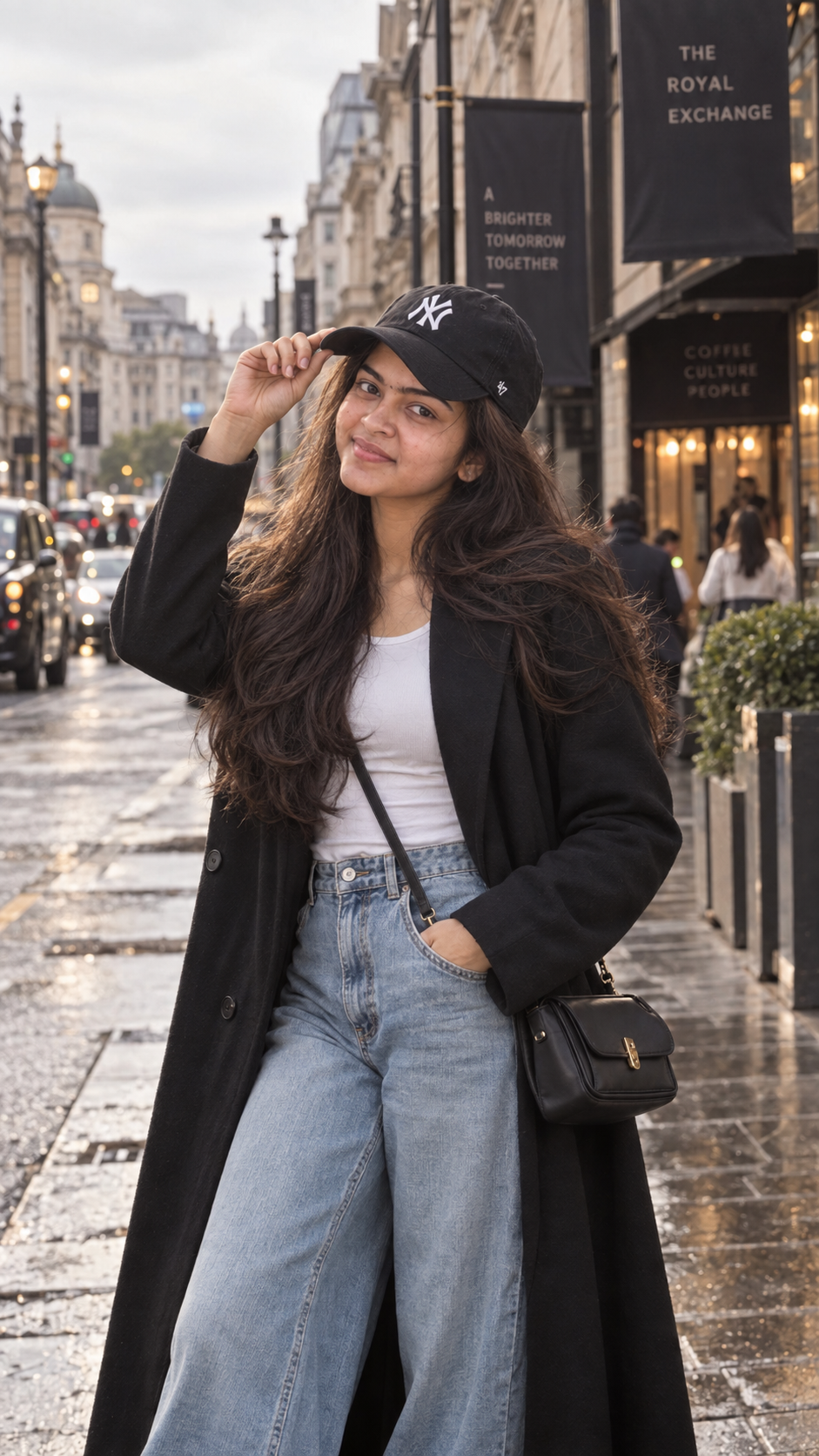
Fashion photograph
Create an ultra-realistic cinematic 9:16 fashion photograph of the same woman from my reference image, preserving her exact facial...
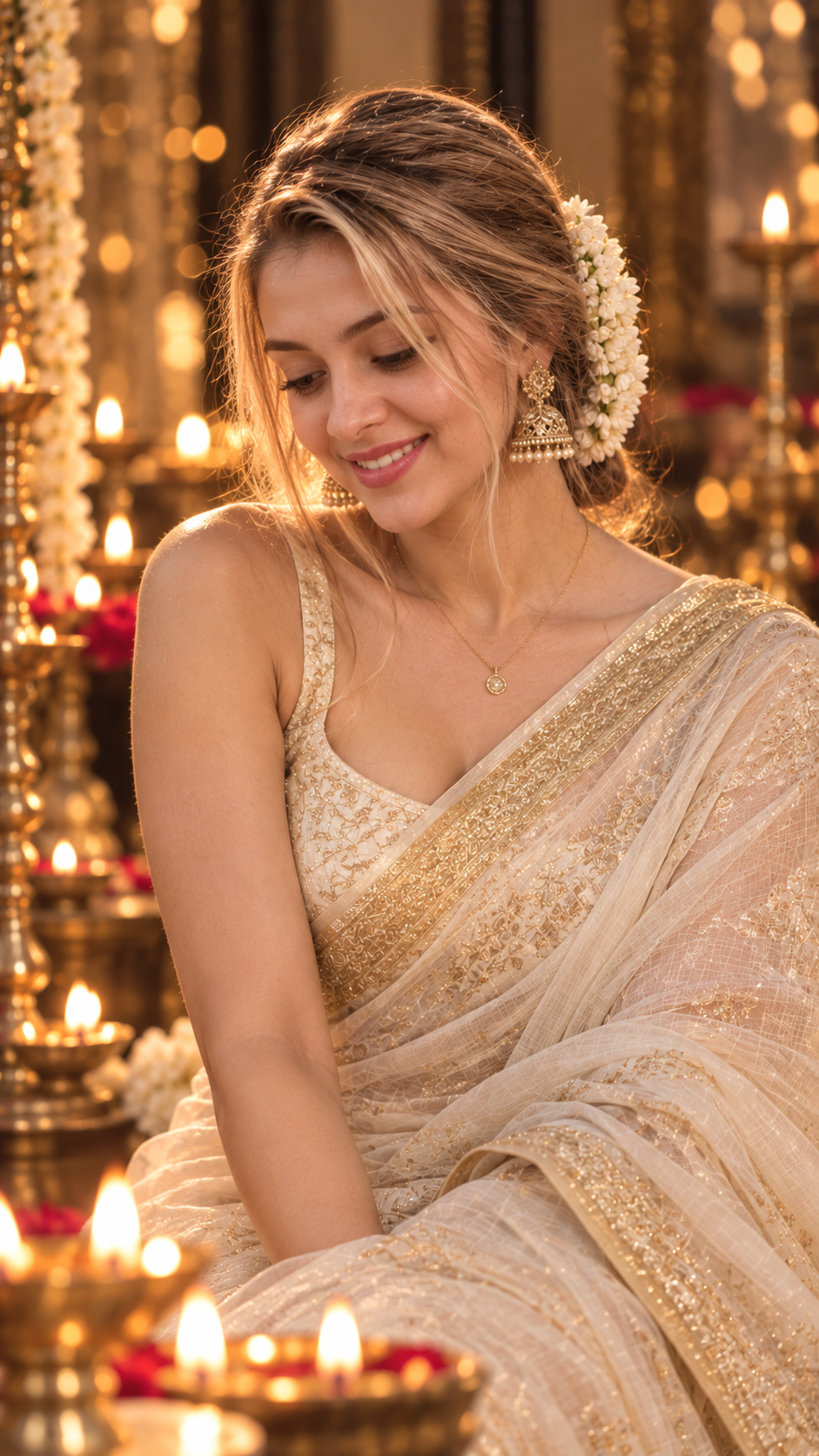
Soft Golden Portrait
Use my uploaded photo as the primary face and identity reference. Do not replace or redesign my facial identity. Preserve my recog...
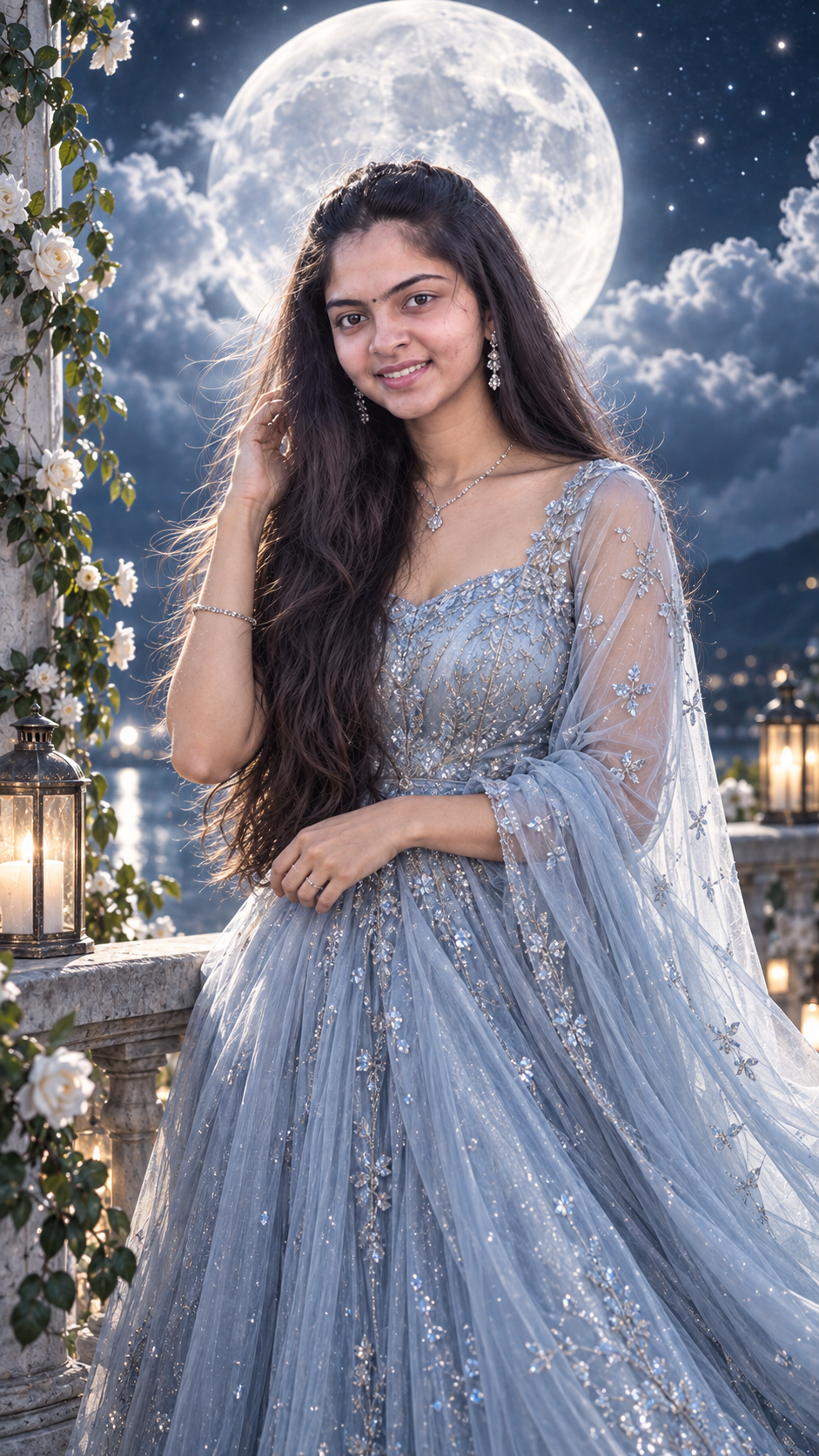
Moonlight Princess
Ultra-realistic young Indian woman wearing an elegant silver-blue flowing gown, standing beneath a large glowing moon surrounded b...
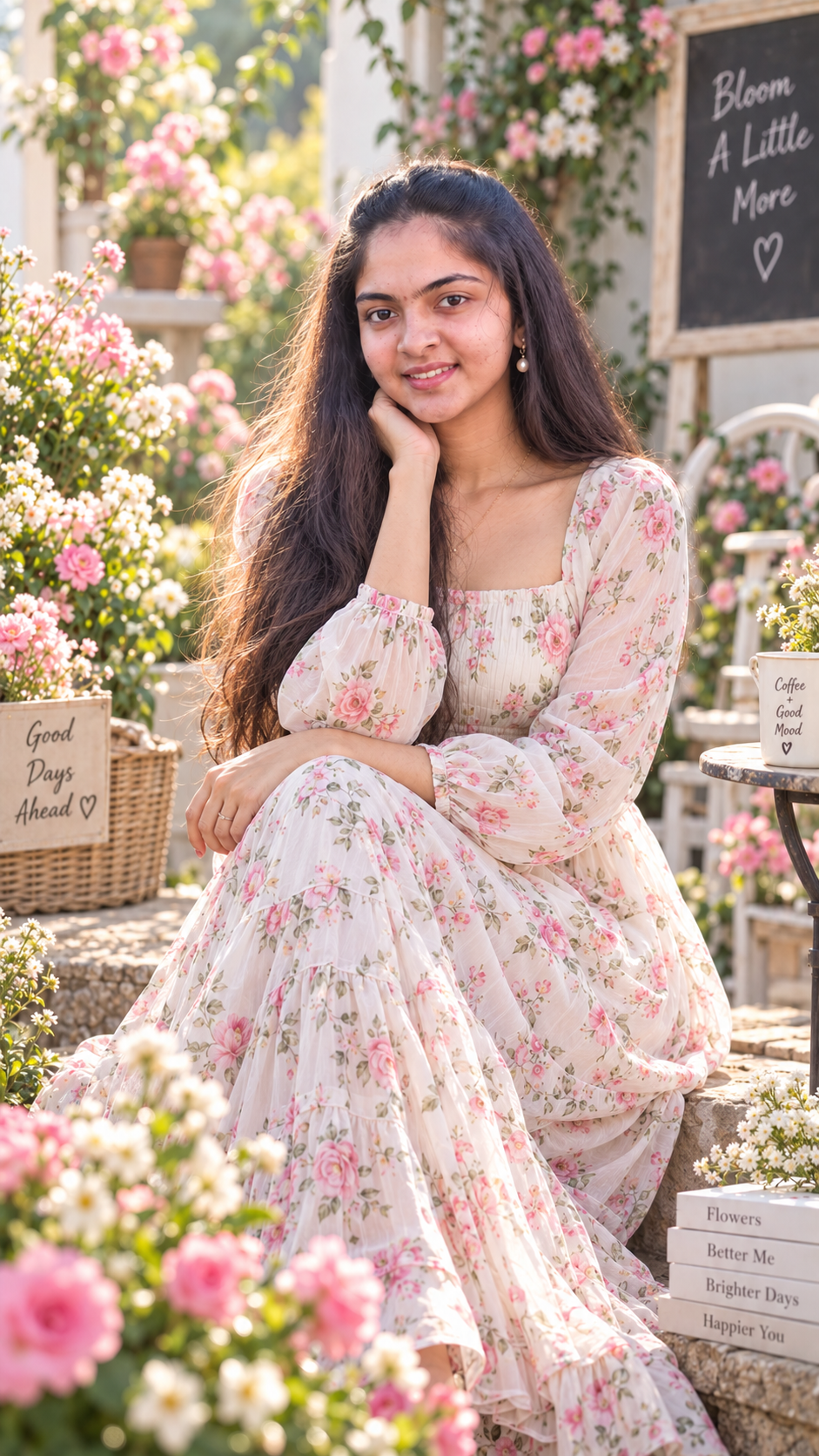
Korean-Inspired Floral Aesthetic
Photorealistic young Indian woman with soft natural features, wearing a pastel floral dress, sitting among blooming pink and white...